




Kendark
Membre
-
Inscription
-
Dernière visite
A propos de moi
Un peu geek, très barjot de high tech.
Possesseur de
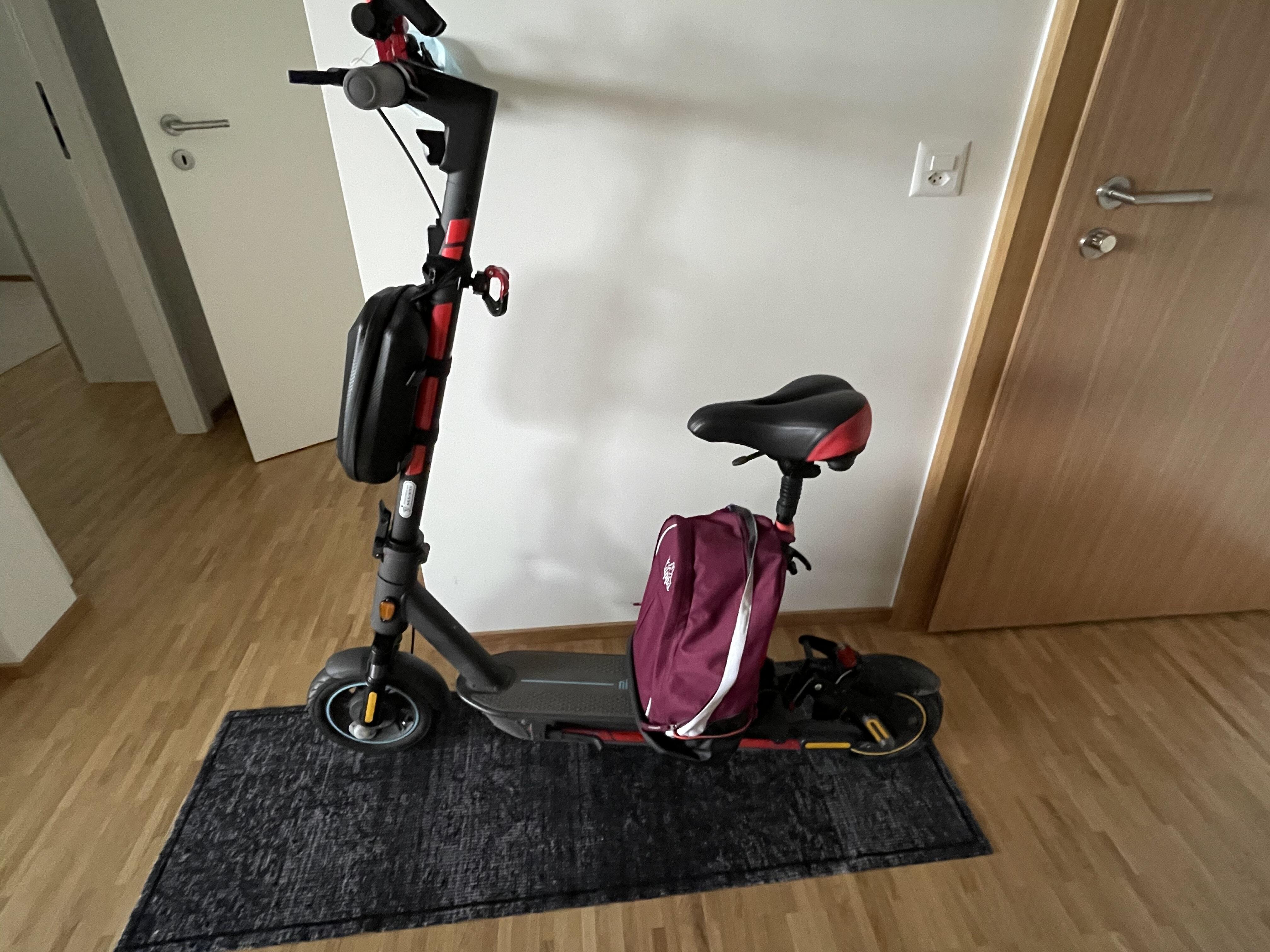
1 Ninebot Max G30D modifiée
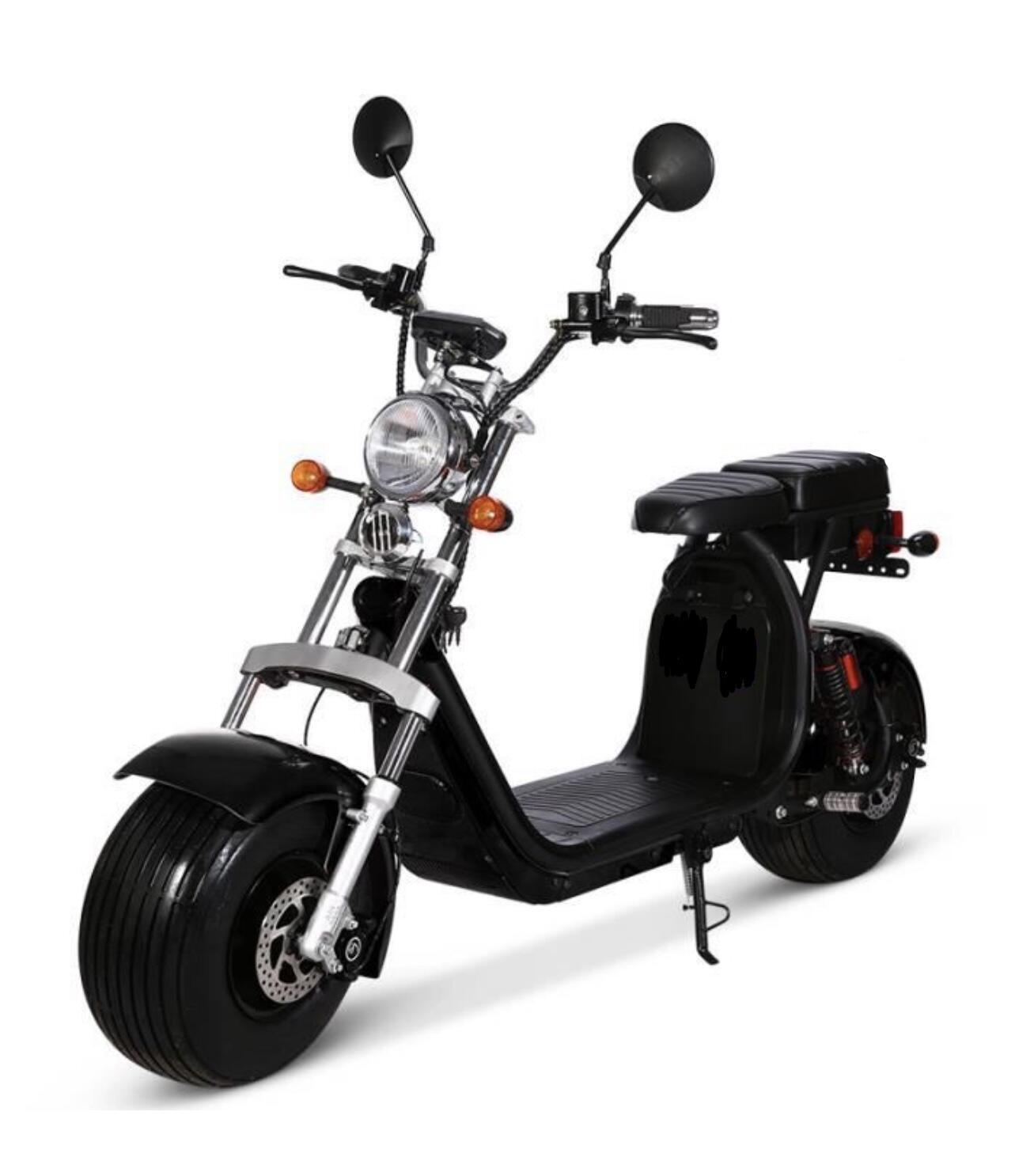
1 citycoco « Harley »
Un peu geek, très barjot de high tech.
Possesseur de
1 Ninebot Max G30D modifiée
1 citycoco « Harley »
Nous avons placé des cookies sur votre appareil pour aider à améliorer ce site. Vous pouvez choisir d’ajuster vos paramètres de cookie, sinon nous supposerons que vous êtes d’accord pour continuer.