Chrome (Android)
Tap the lock icon next to the address bar. Tap Permissions → Notifications . Adjust your preference.
Chrome (Desktop)
Click the padlock icon in the address bar. Select Site settings . Find Notifications and adjust your preference.
Safari (iOS 16.4+)
Ensure the site is installed via Add to Home Screen . Open Settings App → Notifications . Find your app name and adjust your preference.
Safari (macOS)
Go to Safari → Preferences . Click the Websites tab. Select Notifications in the sidebar. Find this website and adjust your preference.
Edge (Android)
Tap the lock icon next to the address bar. Tap Permissions .
Find Notifications and adjust your preference.
Edge (Desktop)
Click the padlock icon in the address bar. Click Permissions for this site . Find Notifications and adjust your preference.
Firefox (Android)
Go to Settings → Site permissions . Tap Notifications . Find this site in the list and adjust your preference.
Firefox (Desktop)
Open Firefox Settings. Search for Notifications . Find this site in the list and adjust your preference.







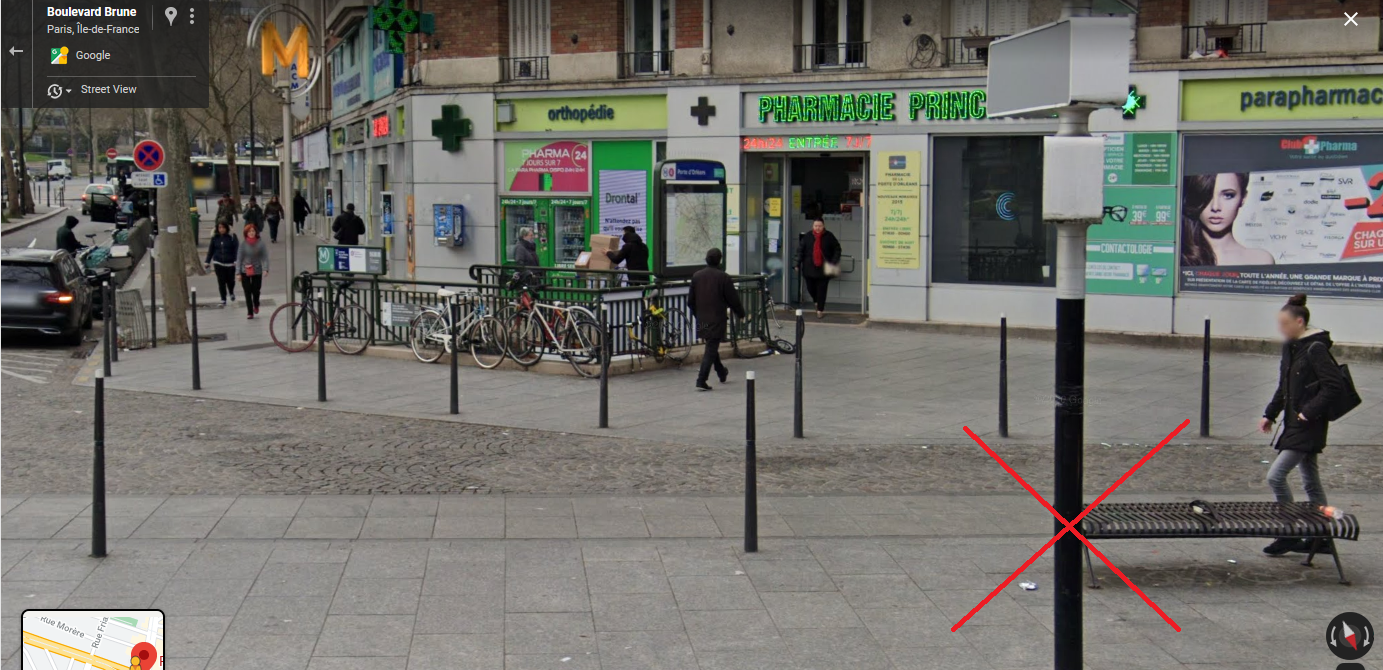


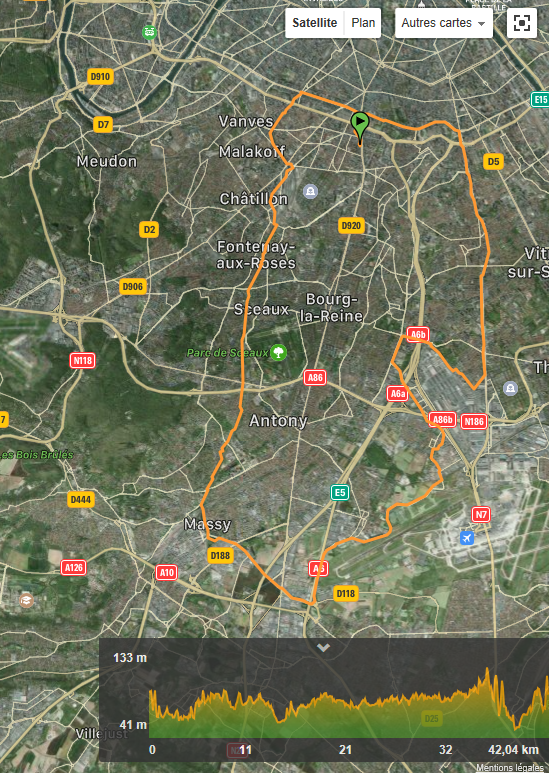
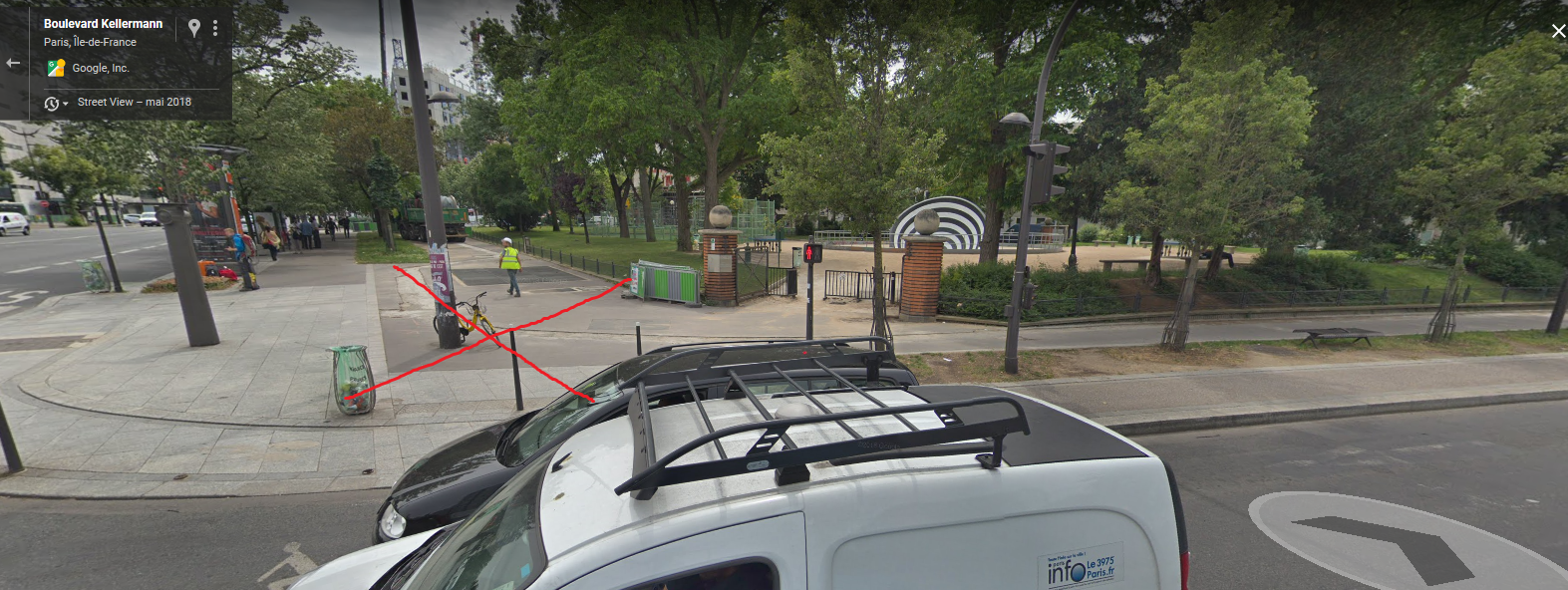
![[ANNULEE] After "Tokyo Express" en IdF, le vendredi 30/10/2020](https://www.espritroue.fr/uploads/monthly_2020_10/image.png.b8ddf1beec0475ec2885bc9589487d0c.png)


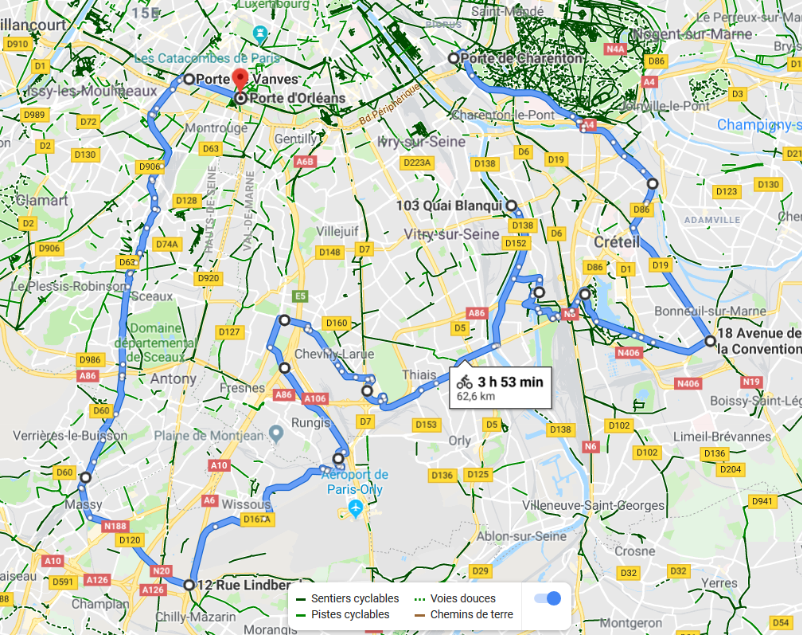
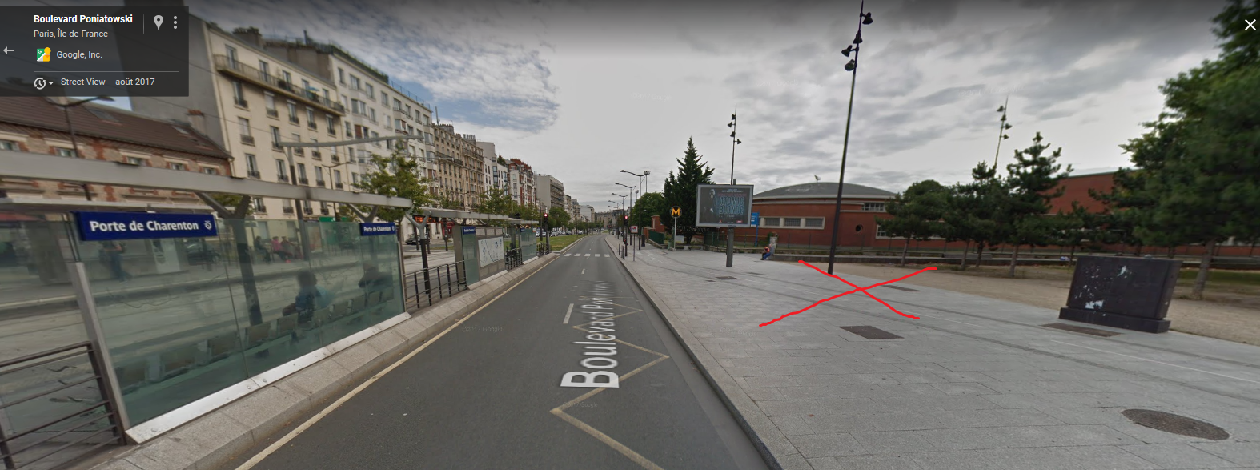

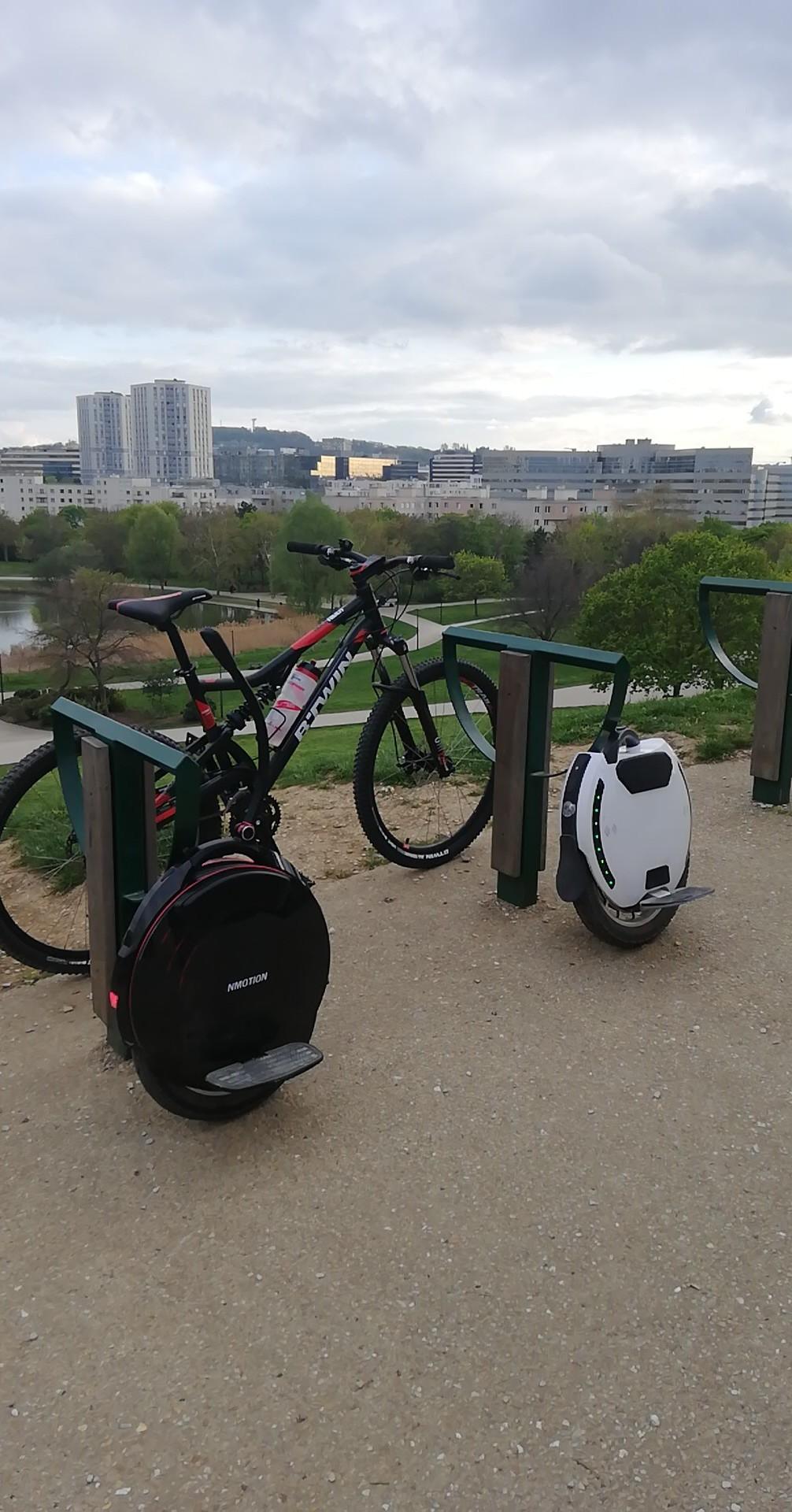
![[ANNULEE] Une after (gyrorando) des 3 forêts ou boucle Marne à Seine, mercredi 10/04/2018 (sous réserve météo)](https://www.espritroue.fr/uploads/monthly_2017_08/image.png.3e1260aebf0366cdcaa1e86a071bb594.png)