# 60v
-
- 1 commentaire
- 21534 vues
-
- 2 commentaires
- 6395 vues
-
- sunra
- miku max
- débridage
- débrider
-
Étiqueté avec :
- sunra
- miku max
- débridage
- débrider
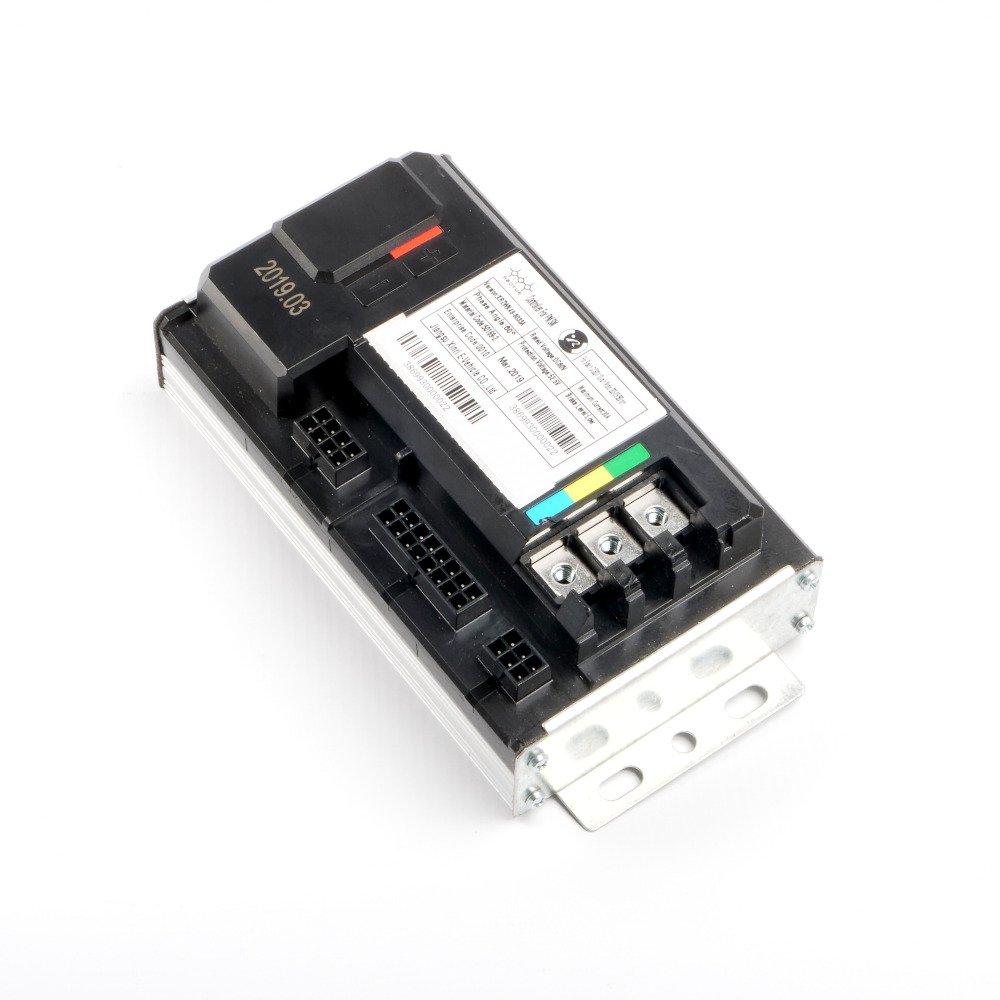
- controller
- contrôleur
- débrider miku max
- 60v
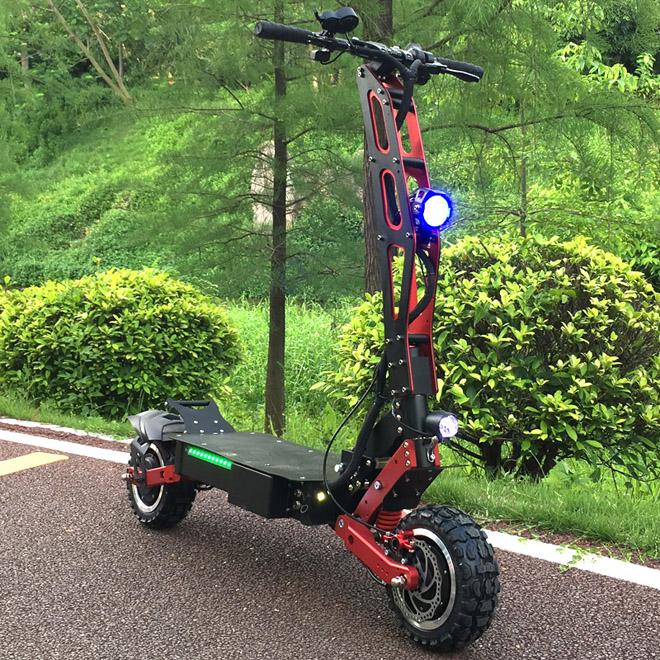
- scooter électrique
- miku max electric scooter
- 60v speed
- increase speed
- how to increase speed of sunra miku max
- comment débrider un scooter électrique
- increase speed 60v bldc controller hub
- débridage miku max
- retirer bride miku max
- enlever bridage miku max
- remove speed limit on a sunra miku max
- how to remove speed limit on a sunra miku max
- 60v scooter speed limit
- miku max controller
- 2 commentaires
- 5856 vues
-
- 60v
- double hight
- surchauffe
- fil câble brûlé
-
Étiqueté avec :
- 45 commentaires
- 25331 vues







![Surchauffe fil brûlé ! [Résolu]](https://www.espritroue.fr/uploads/monthly_2017_06/5945b1abed79c_Capturedu2017-06-1723-54-49.png.c75ff7063bd903603ec20ebbbb622854.png)