Chrome (Android)
Tap the lock icon next to the address bar. Tap Permissions → Notifications . Adjust your preference.
Chrome (Desktop)
Click the padlock icon in the address bar. Select Site settings . Find Notifications and adjust your preference.
Safari (iOS 16.4+)
Ensure the site is installed via Add to Home Screen . Open Settings App → Notifications . Find your app name and adjust your preference.
Safari (macOS)
Go to Safari → Preferences . Click the Websites tab. Select Notifications in the sidebar. Find this website and adjust your preference.
Edge (Android)
Tap the lock icon next to the address bar. Tap Permissions .
Find Notifications and adjust your preference.
Edge (Desktop)
Click the padlock icon in the address bar. Click Permissions for this site . Find Notifications and adjust your preference.
Firefox (Android)
Go to Settings → Site permissions . Tap Notifications . Find this site in the list and adjust your preference.
Firefox (Desktop)
Open Firefox Settings. Search for Notifications . Find this site in the list and adjust your preference.




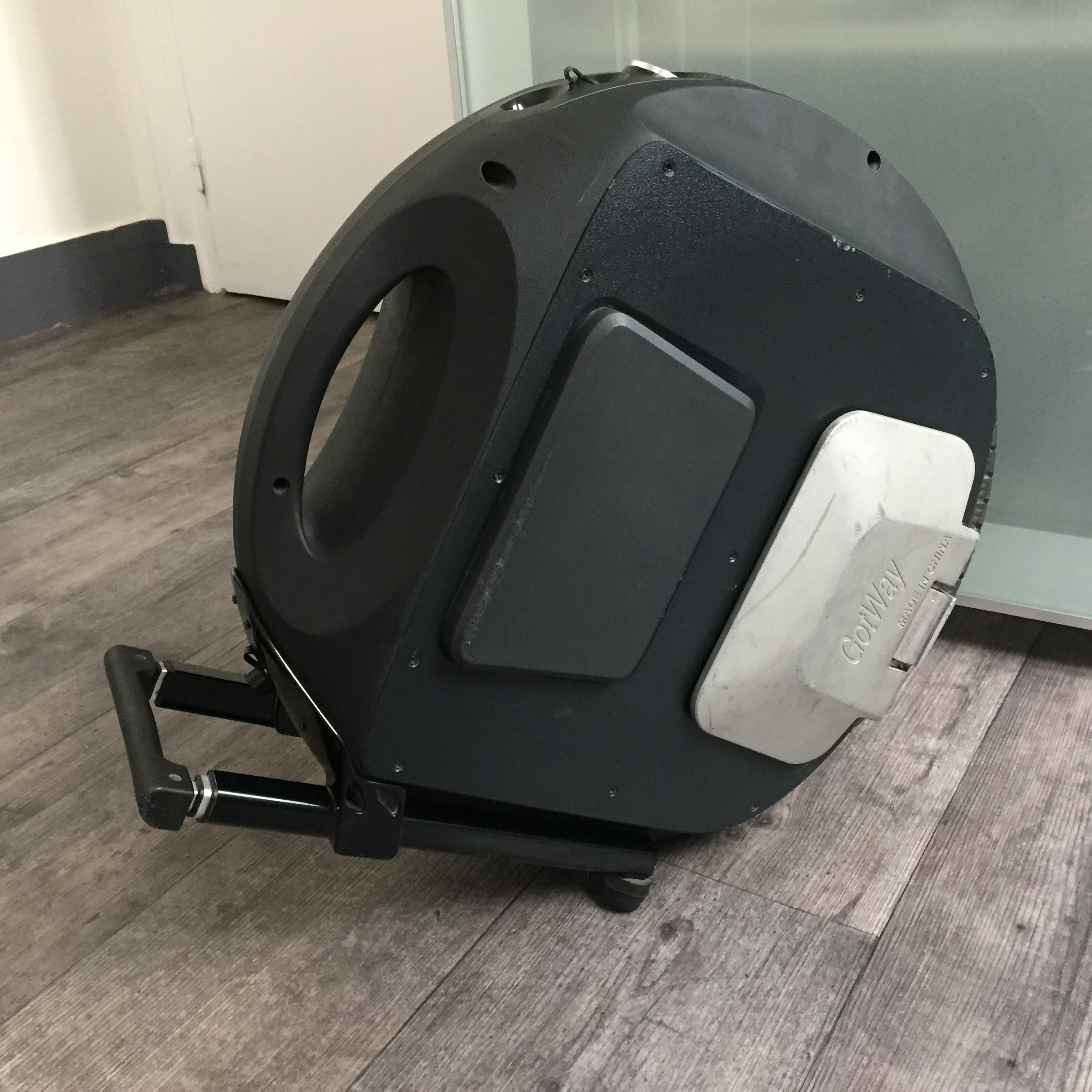
![[Vendu] [Vends] Gotway Acm 16 1300Wh + Pads de protection neuf](https://www.espritroue.fr/uploads/monthly_2020_12/20200805_121309.jpg.e7892ccba341b166ba0031546bd596cf.jpg)

![[Vendu] Vends ACM 680 V1 avec carte mère ACMv2 etTrolley à 850 euros](https://www.espritroue.fr/uploads/monthly_2017_11/ACM-vue-de-gauche.png.7560bad55b1bbb4ae47c2e212dbb2a12.png)