Chrome (Android)
Tap the lock icon next to the address bar. Tap Permissions → Notifications . Adjust your preference.
Chrome (Desktop)
Click the padlock icon in the address bar. Select Site settings . Find Notifications and adjust your preference.
Safari (iOS 16.4+)
Ensure the site is installed via Add to Home Screen . Open Settings App → Notifications . Find your app name and adjust your preference.
Safari (macOS)
Go to Safari → Preferences . Click the Websites tab. Select Notifications in the sidebar. Find this website and adjust your preference.
Edge (Android)
Tap the lock icon next to the address bar. Tap Permissions .
Find Notifications and adjust your preference.
Edge (Desktop)
Click the padlock icon in the address bar. Click Permissions for this site . Find Notifications and adjust your preference.
Firefox (Android)
Go to Settings → Site permissions . Tap Notifications . Find this site in the list and adjust your preference.
Firefox (Desktop)
Open Firefox Settings. Search for Notifications . Find this site in the list and adjust your preference.




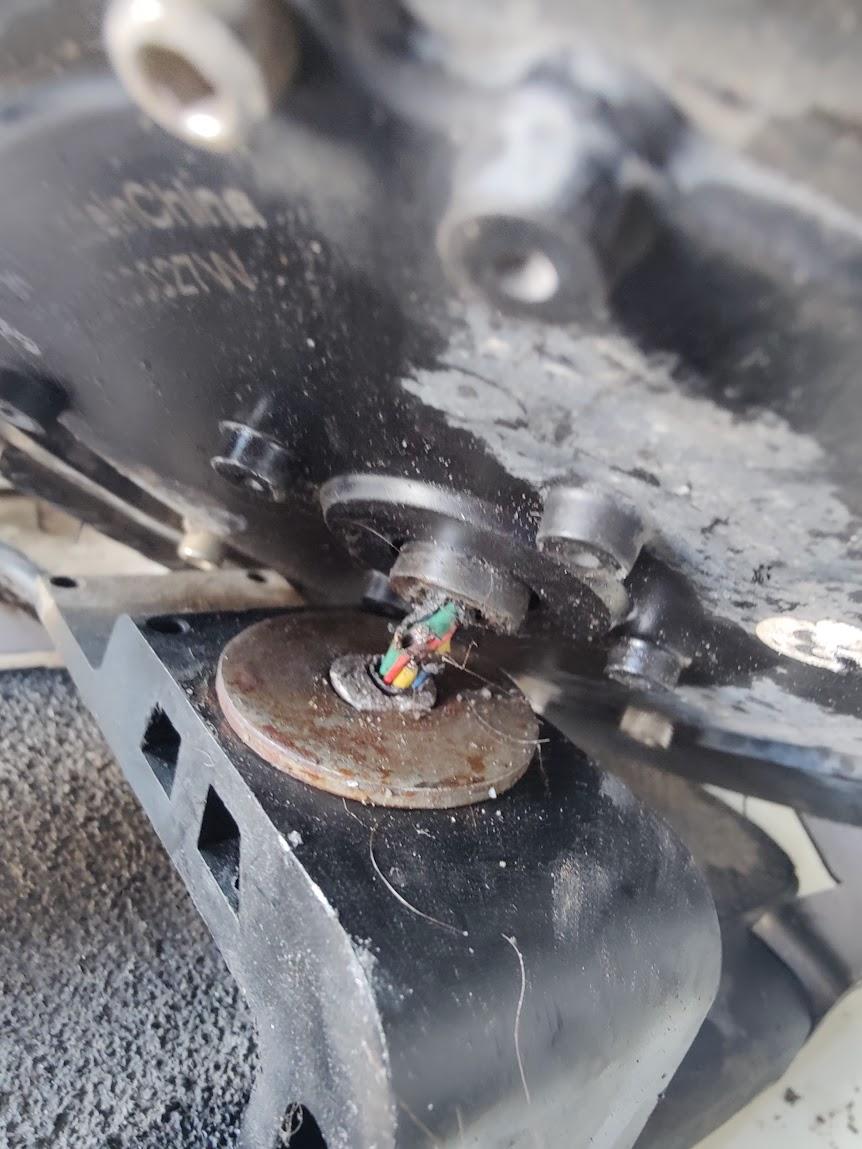

![[ Mten3 (Chine) ] - Batterie cramée ( Résolu )](https://www.espritroue.fr/uploads/monthly_2017_06/Section-awg.JPG.3c567102f95a0d995b4fecb6bd9767b3.JPG)

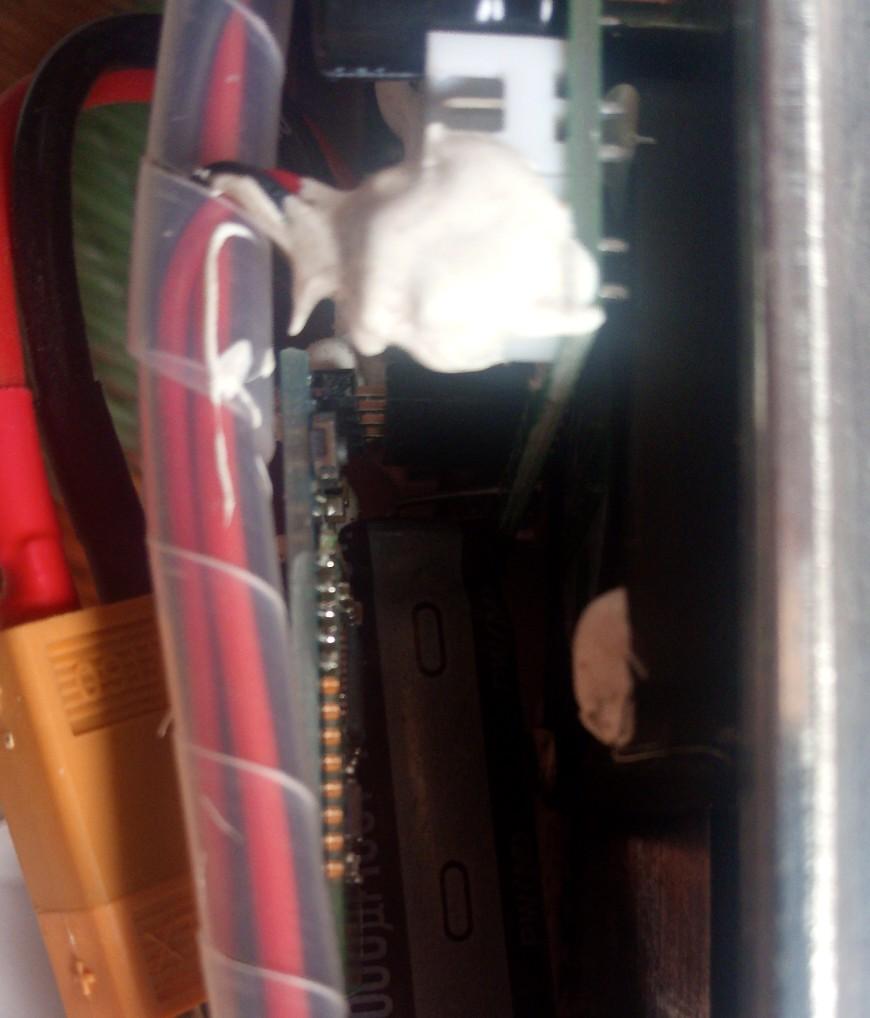


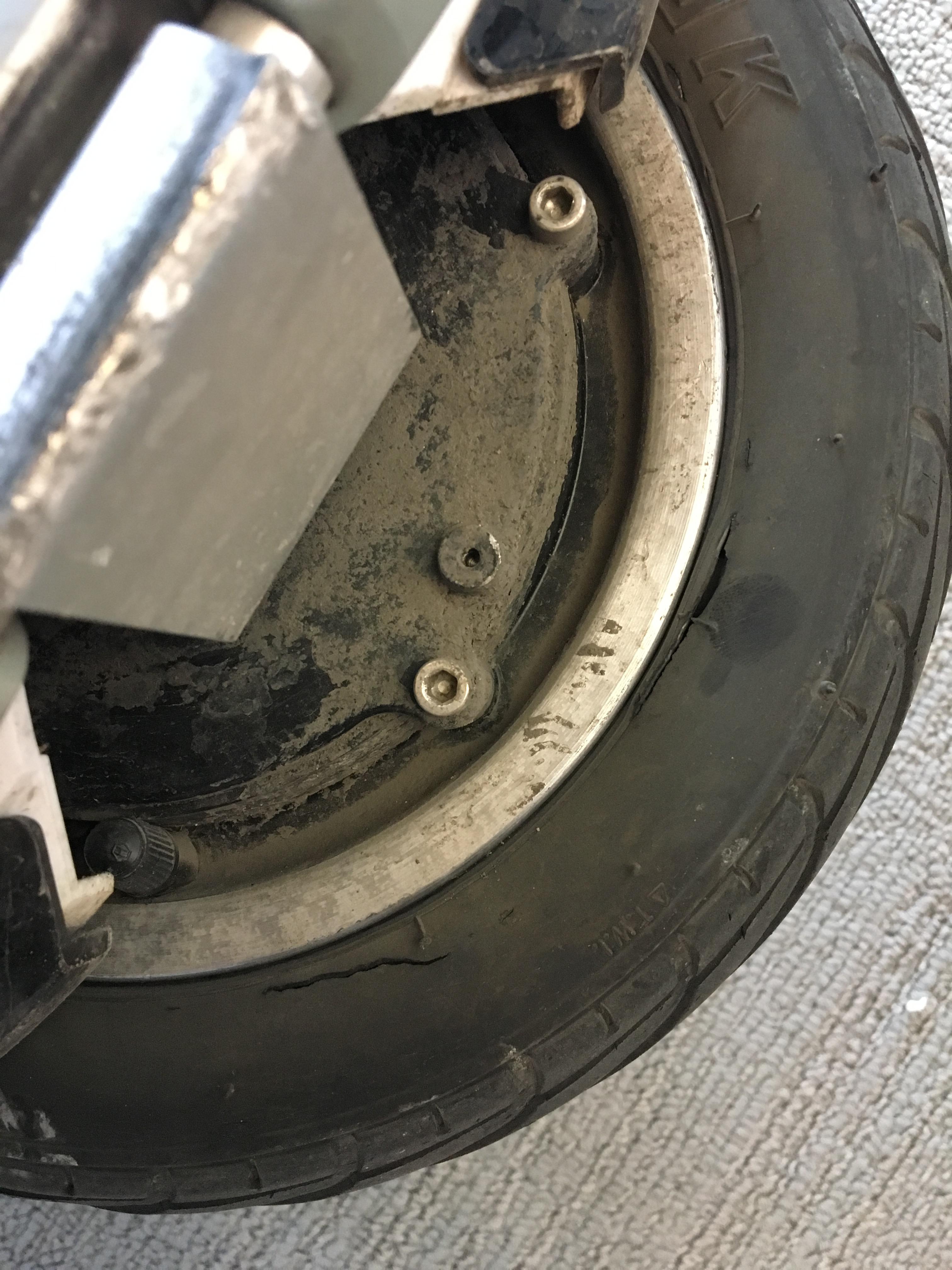

![[Mten3 (Chine) ] Batterie défectueuse = danger imminent](https://www.espritroue.fr/uploads/monthly_2017_11/D5220613-9B3A-4AE7-937C-CDDD652E752B.jpeg.bdb531186b43ac29b8d74d850b4c9b90.jpeg)

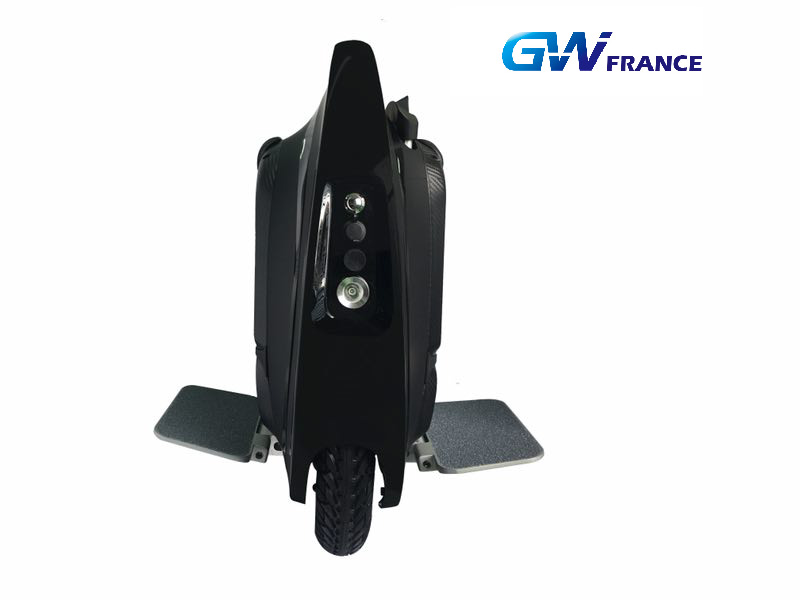


![[ Mten3 ] - Vidéo de la Mten3 en action - By Marty Backe](https://www.espritroue.fr/uploads/monthly_2017_09/IMG_0235.JPG.2459f686d9b671bac7dc72a3480824a4.JPG)
