Chrome (Android)
Tap the lock icon next to the address bar. Tap Permissions → Notifications . Adjust your preference.
Chrome (Desktop)
Click the padlock icon in the address bar. Select Site settings . Find Notifications and adjust your preference.
Safari (iOS 16.4+)
Ensure the site is installed via Add to Home Screen . Open Settings App → Notifications . Find your app name and adjust your preference.
Safari (macOS)
Go to Safari → Preferences . Click the Websites tab. Select Notifications in the sidebar. Find this website and adjust your preference.
Edge (Android)
Tap the lock icon next to the address bar. Tap Permissions .
Find Notifications and adjust your preference.
Edge (Desktop)
Click the padlock icon in the address bar. Click Permissions for this site . Find Notifications and adjust your preference.
Firefox (Android)
Go to Settings → Site permissions . Tap Notifications . Find this site in the list and adjust your preference.
Firefox (Desktop)
Open Firefox Settings. Search for Notifications . Find this site in the list and adjust your preference.








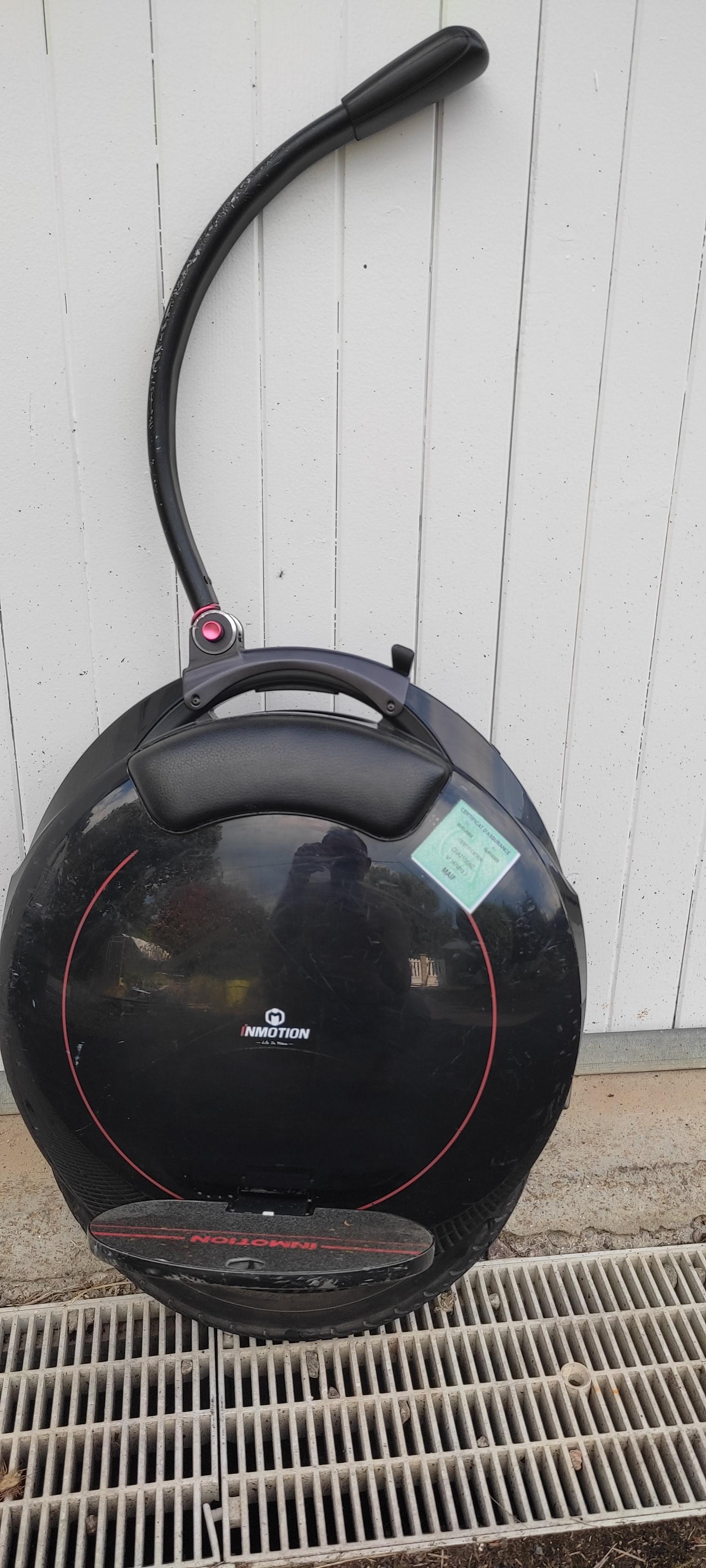



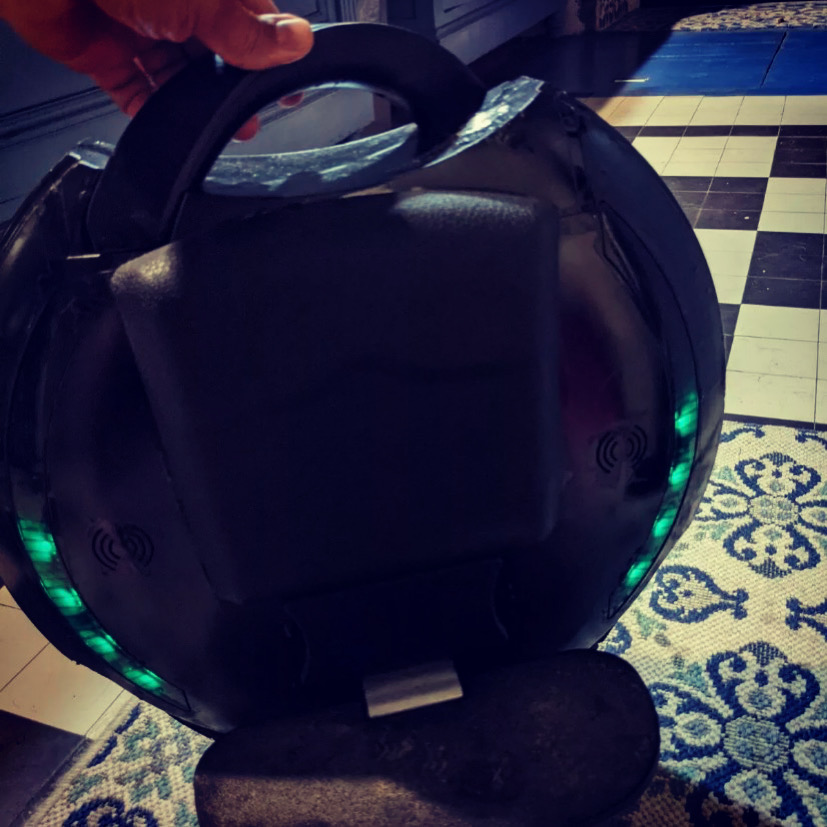
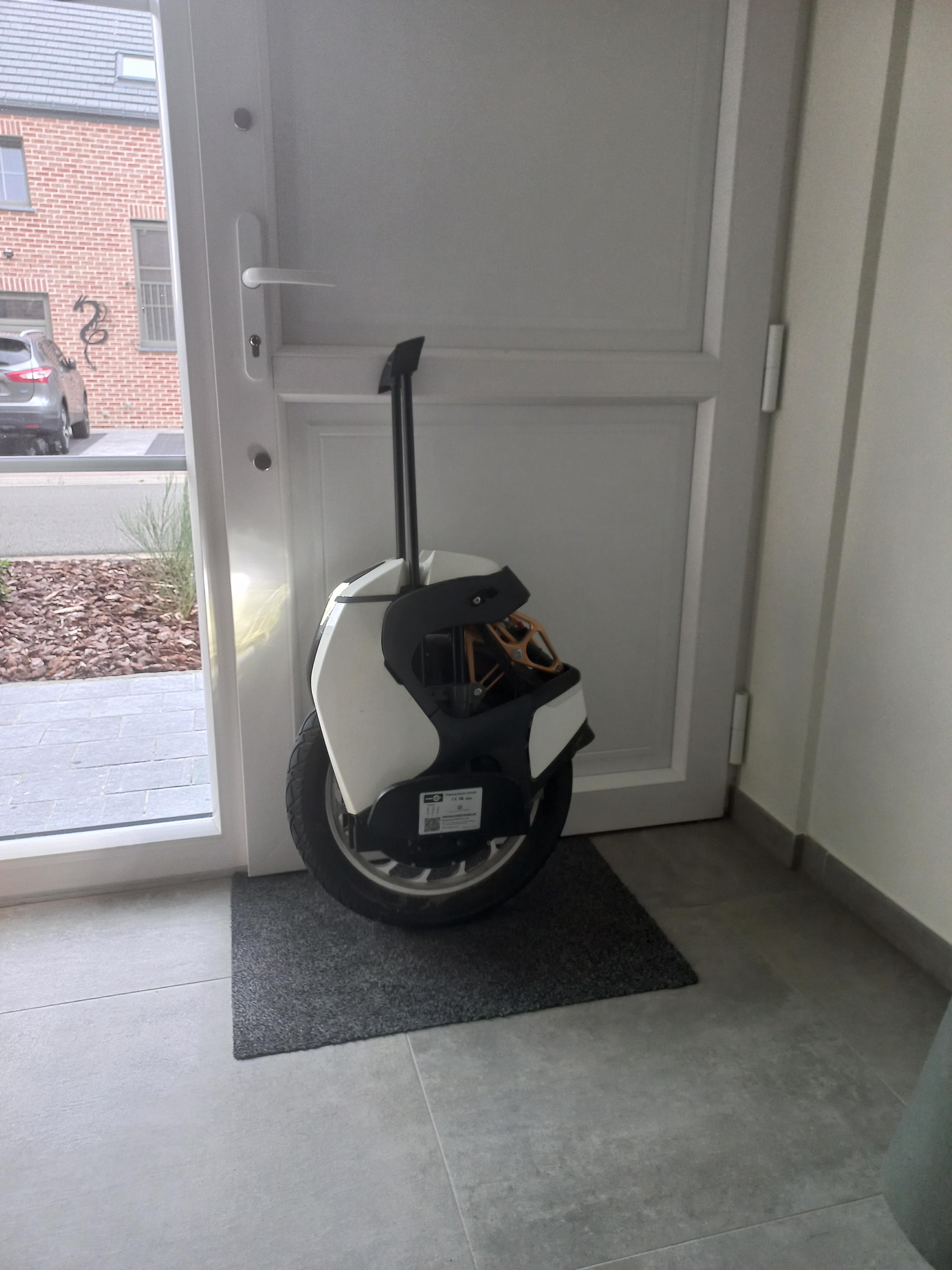
![[A VENDRE] InMotion V8S - 720km](https://www.espritroue.fr/uploads/monthly_2023_02/IMG_20230220_205823.jpg.67250a298a9fe67c77aa90582d3c6e77.jpg)


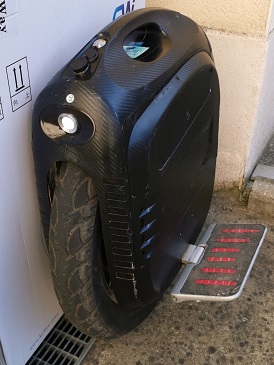
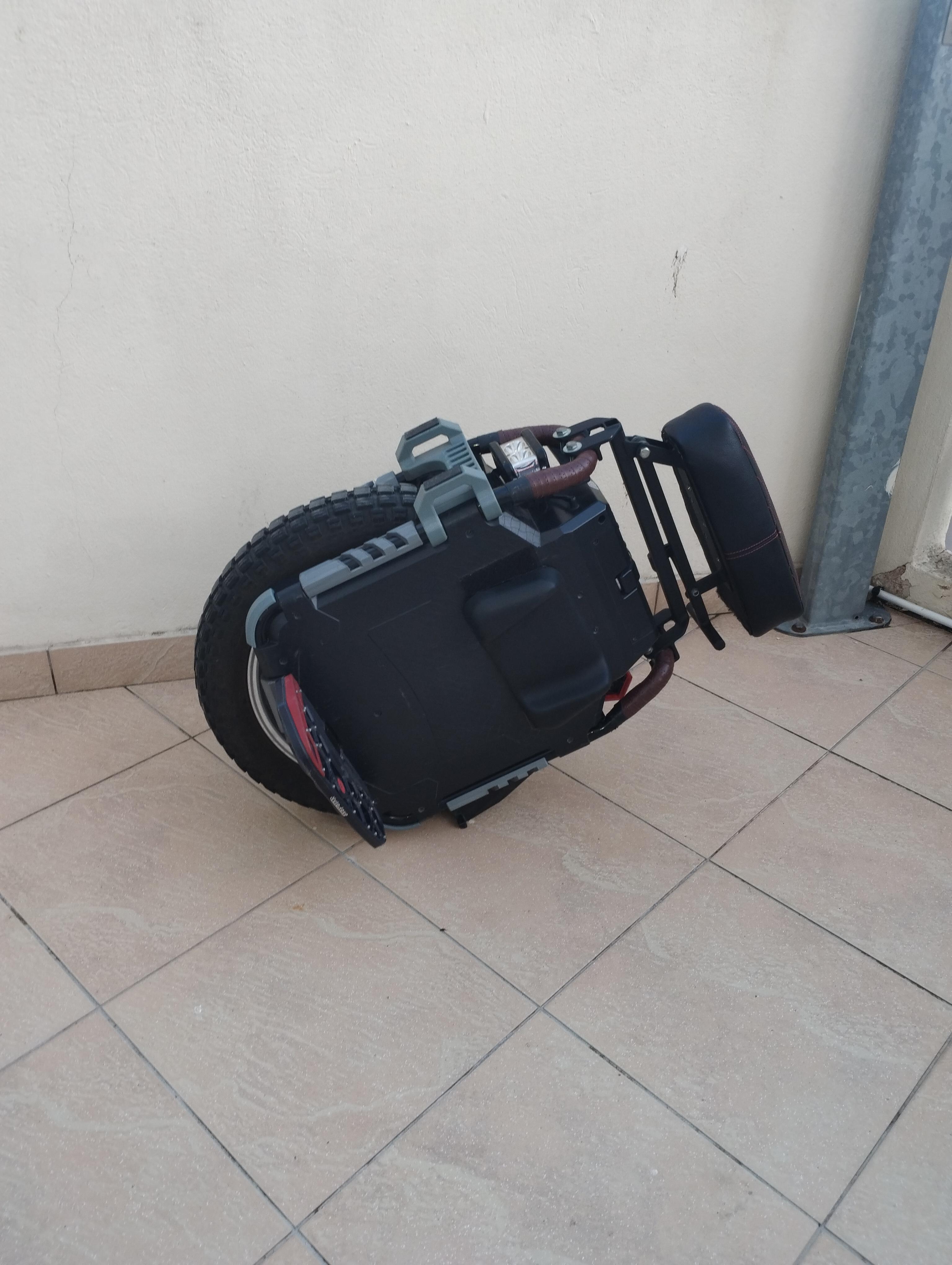
![[Vendue] Gotway ACM16](https://www.espritroue.fr/uploads/monthly_2023_11/IMG_2317.jpeg.81b1f996d3cf781c12036c253505f59e.jpeg)

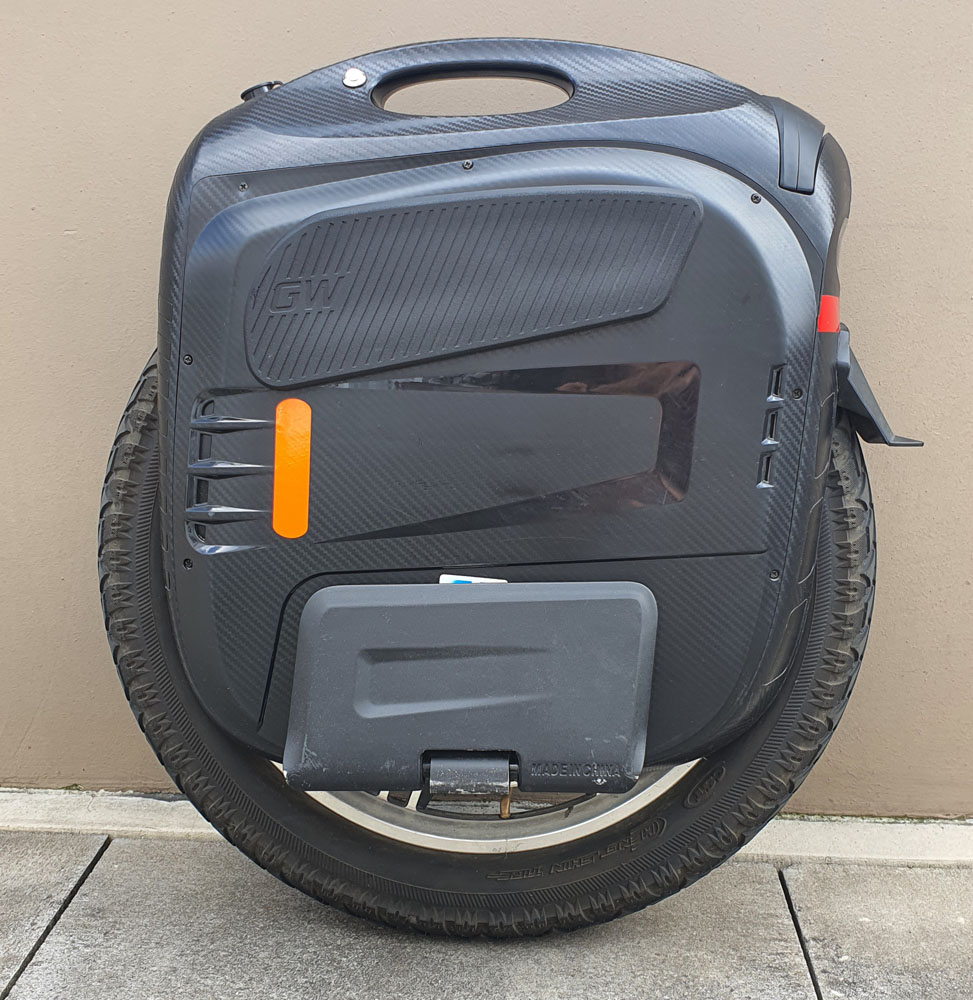
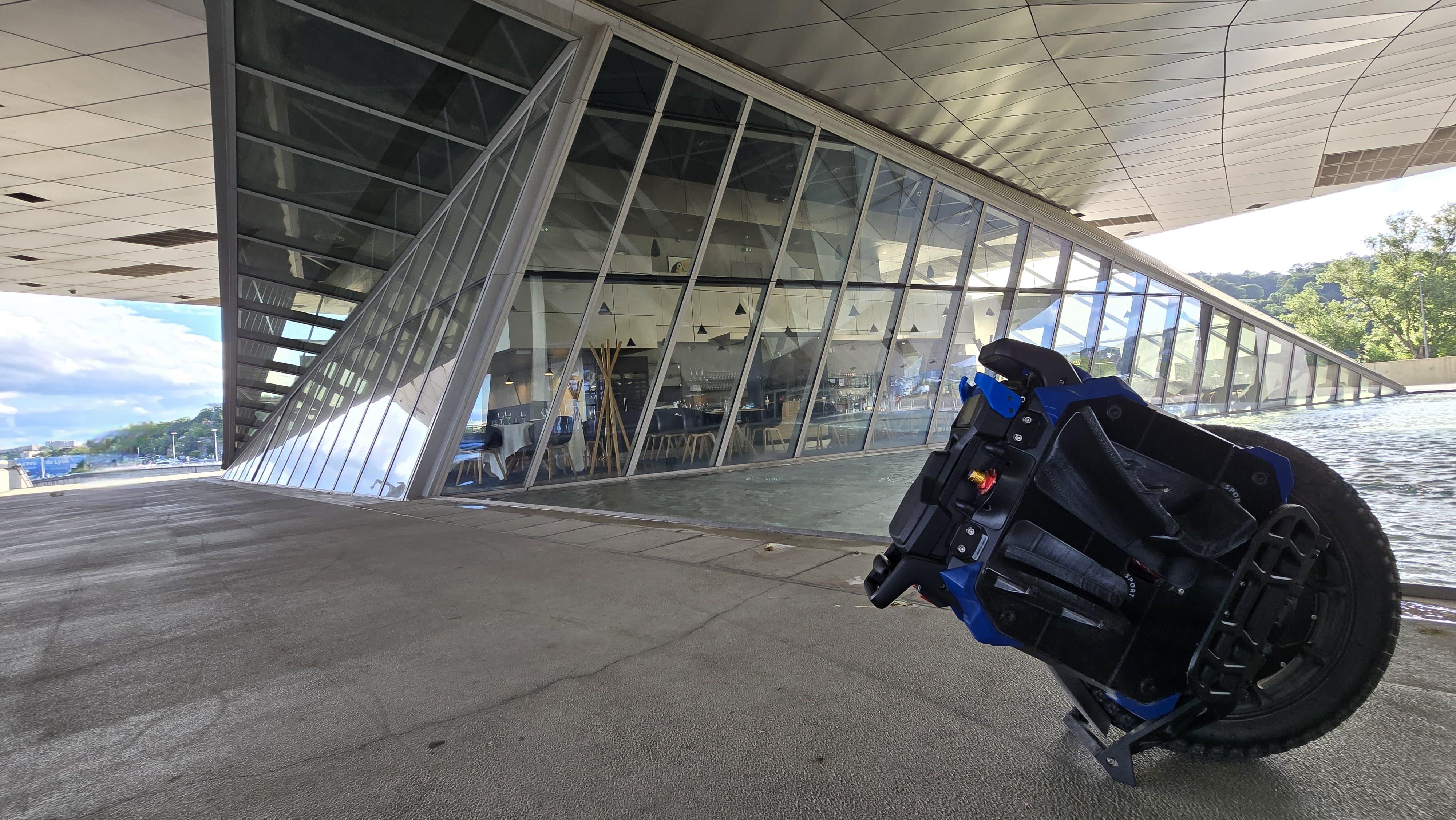
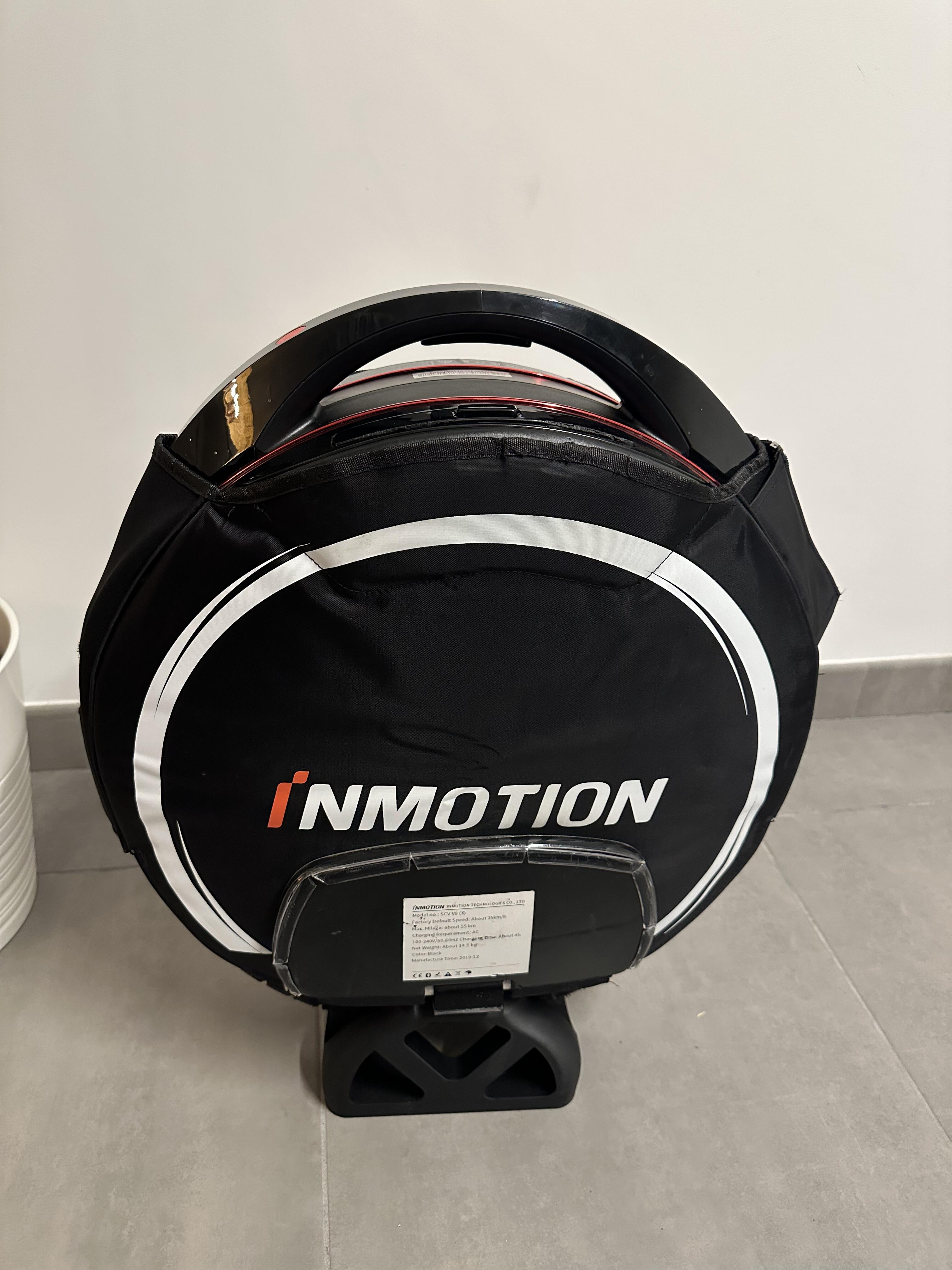
![[VENDS] Ninebot Z10 750km](https://www.espritroue.fr/uploads/monthly_2023_09/IMG_20230907_111734.jpg.8c5d038c3395f09e2bb47b14fa608377.jpg)


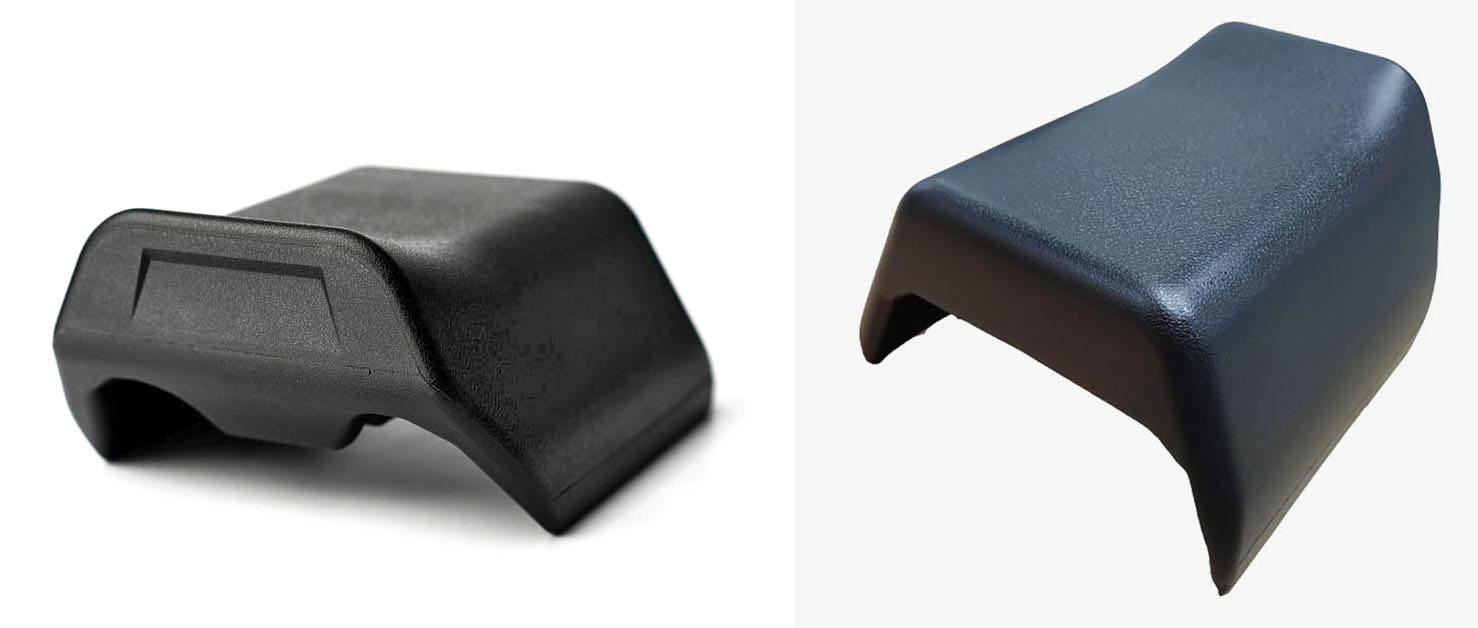
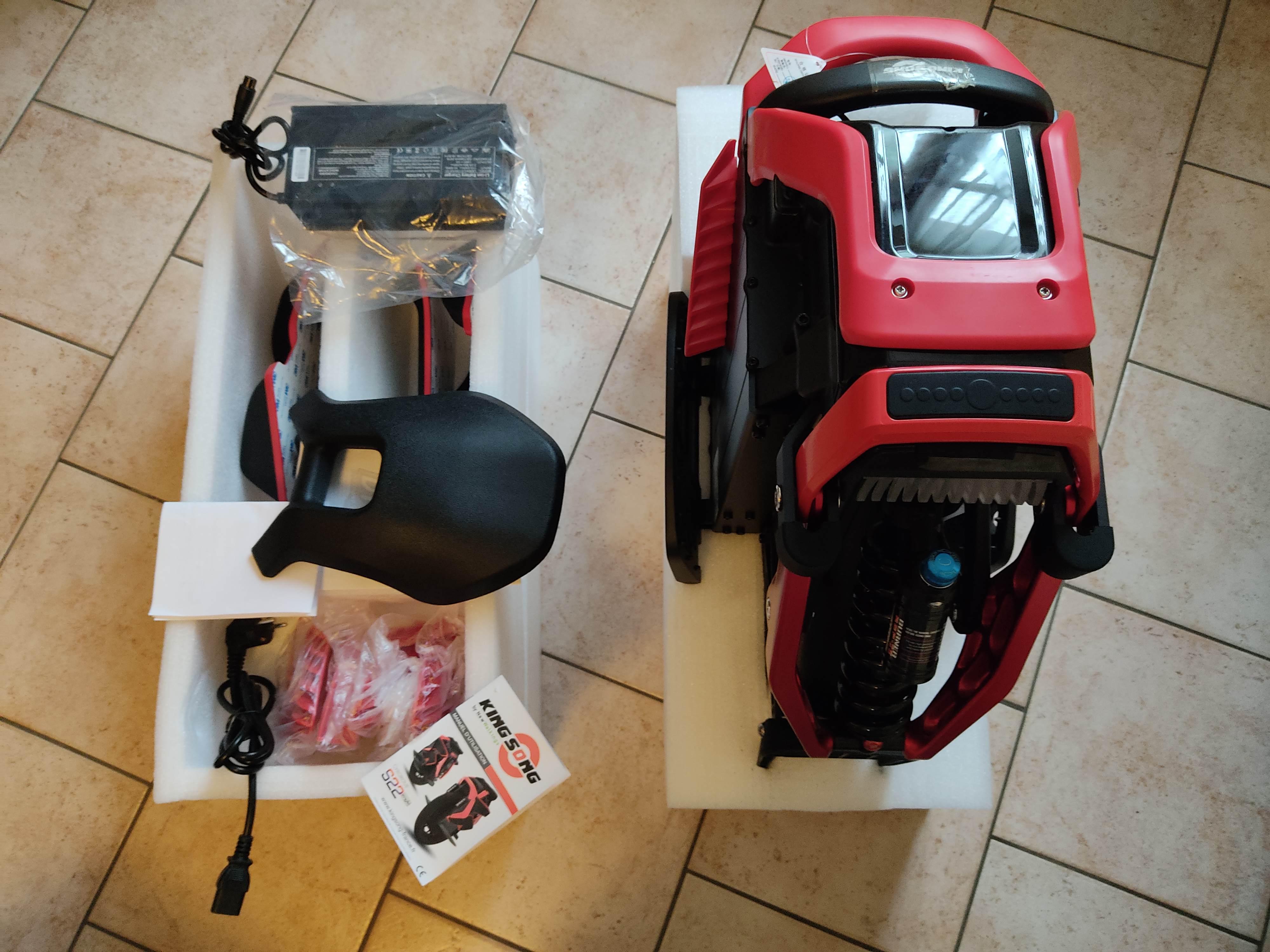
![[VENDUE] KingSong KS16X 1554Wh sous garantie - 1400 euros - pièces neuves et 2e chargeur dispo](https://www.espritroue.fr/uploads/monthly_2022_02/1350861368_PXL_20220130_1224232272.jpg.96169e32a485533609af9cfa2b4b98e1.jpg)