Chrome (Android)
Tap the lock icon next to the address bar. Tap Permissions → Notifications . Adjust your preference.
Chrome (Desktop)
Click the padlock icon in the address bar. Select Site settings . Find Notifications and adjust your preference.
Safari (iOS 16.4+)
Ensure the site is installed via Add to Home Screen . Open Settings App → Notifications . Find your app name and adjust your preference.
Safari (macOS)
Go to Safari → Preferences . Click the Websites tab. Select Notifications in the sidebar. Find this website and adjust your preference.
Edge (Android)
Tap the lock icon next to the address bar. Tap Permissions .
Find Notifications and adjust your preference.
Edge (Desktop)
Click the padlock icon in the address bar. Click Permissions for this site . Find Notifications and adjust your preference.
Firefox (Android)
Go to Settings → Site permissions . Tap Notifications . Find this site in the list and adjust your preference.
Firefox (Desktop)
Open Firefox Settings. Search for Notifications . Find this site in the list and adjust your preference.




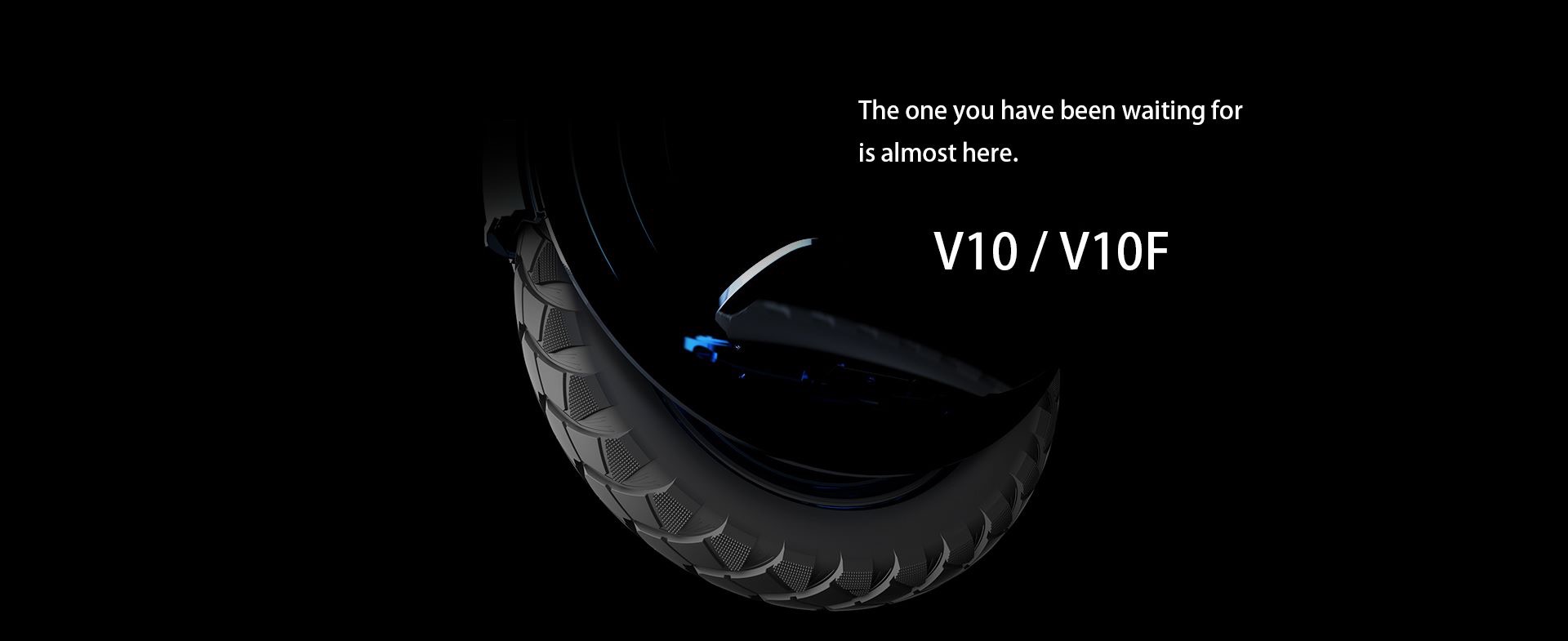


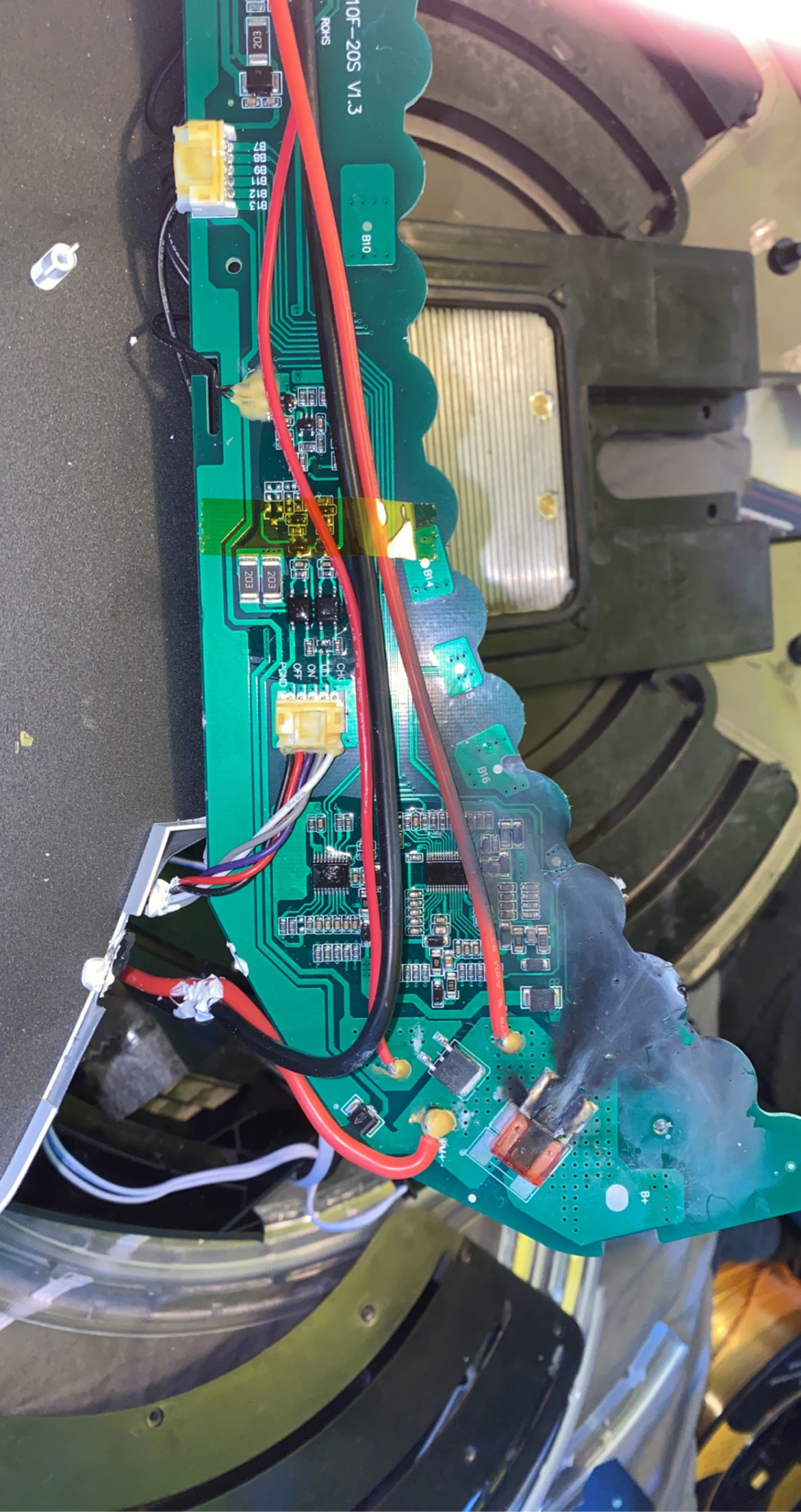



![[Vendu] INMOTION V10 - 850€](https://www.espritroue.fr/uploads/monthly_2020_03/IMG_20200304_071314_548.jpg.c7ed7b3cfd3ffb51deb8168ceeb56a20.jpg)

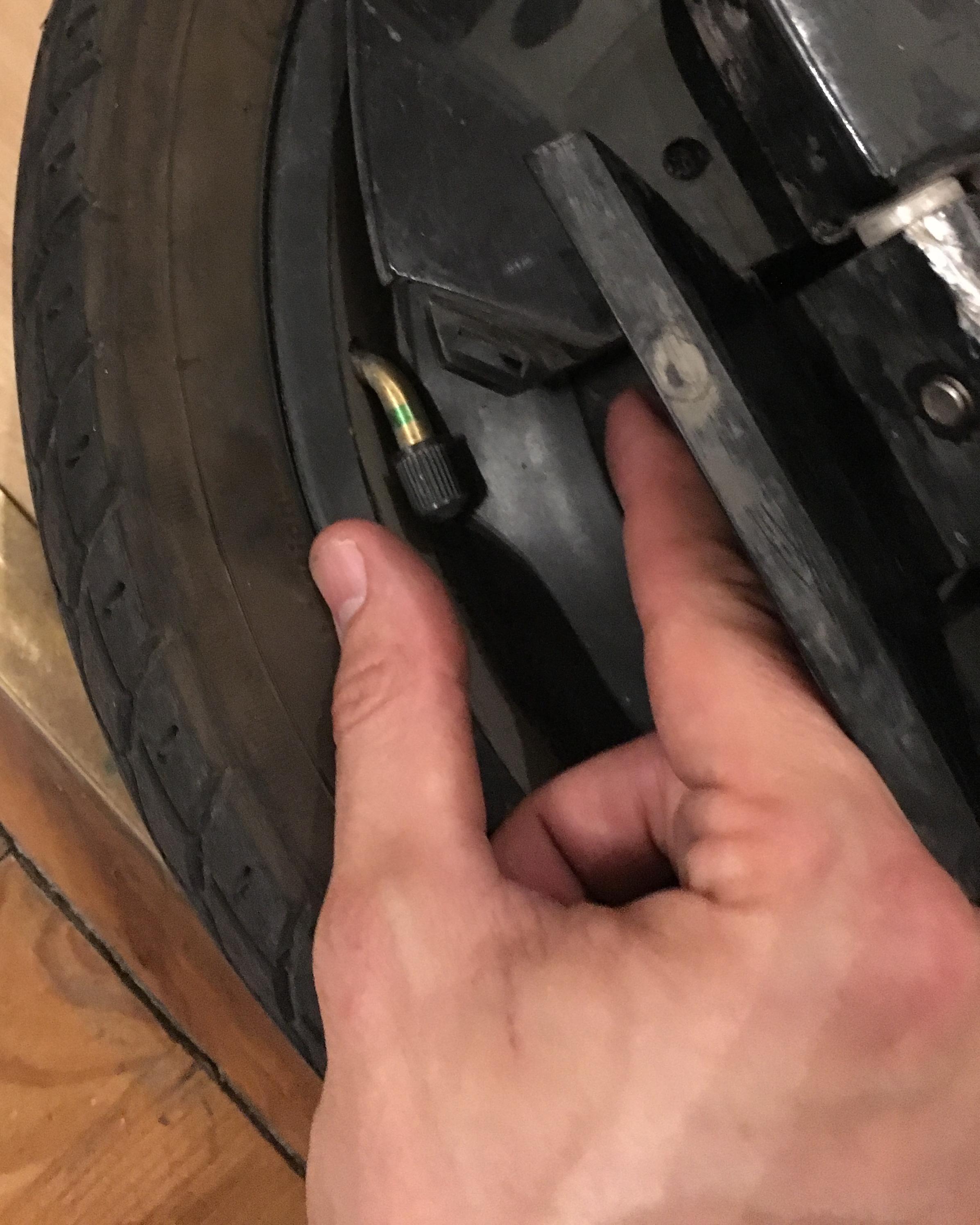
![[VENDU] Inmotion V10 - 150 KM - Comme neuf - sur Paris ou alentours](https://www.espritroue.fr/uploads/monthly_2019_05/IMG_2641.JPG.bcd6bc11333e3b03f69b566e59ae3705.JPG)