# v10f
-
- 16 commentaires
- 2838 vues
-
- 19 commentaires
- 4071 vues
-
- inmotion v10f
- v10f
- inmotion
- batterie
-
Étiqueté avec :
- 13 commentaires
- 6650 vues
-
- 59 commentaires
- 32267 vues
-
- 1 commentaire
- 2354 vues
-
-
- 2 commentaires
- 2626 vues
-
- 4 commentaires
- 2594 vues
-
- 6 commentaires
- 2799 vues
-
- 13 commentaires
- 4335 vues
-
- 3 commentaires
- 3709 vues


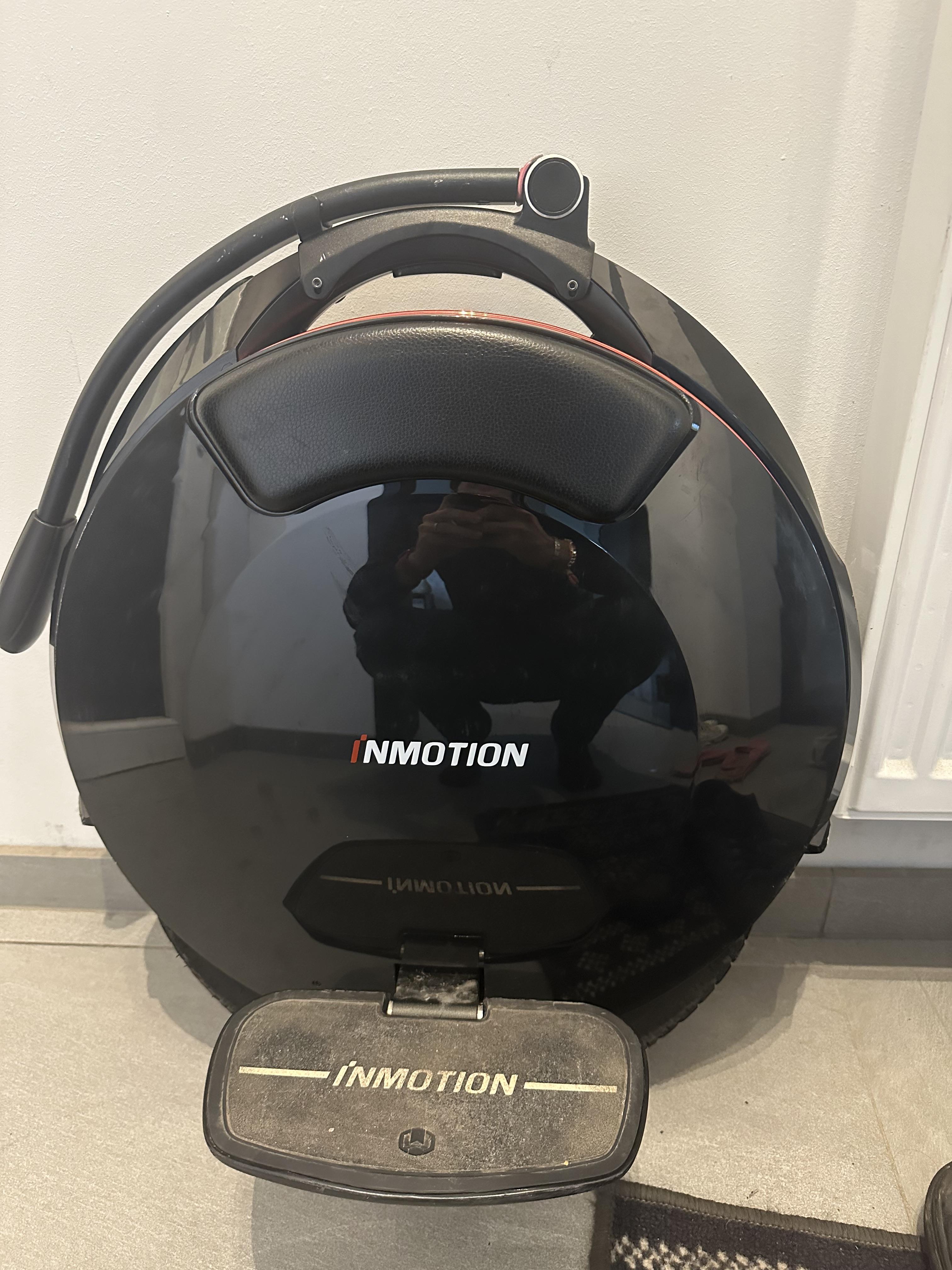





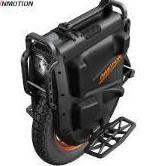
![[Vendu] Inmotion V10F achetée chez DARTY avril 2019 : 1350€](https://www.espritroue.fr/uploads/monthly_2019_05/IMG_0049.jpg.aa2d85bf599bf6a8c515595fd4c29437.jpg)

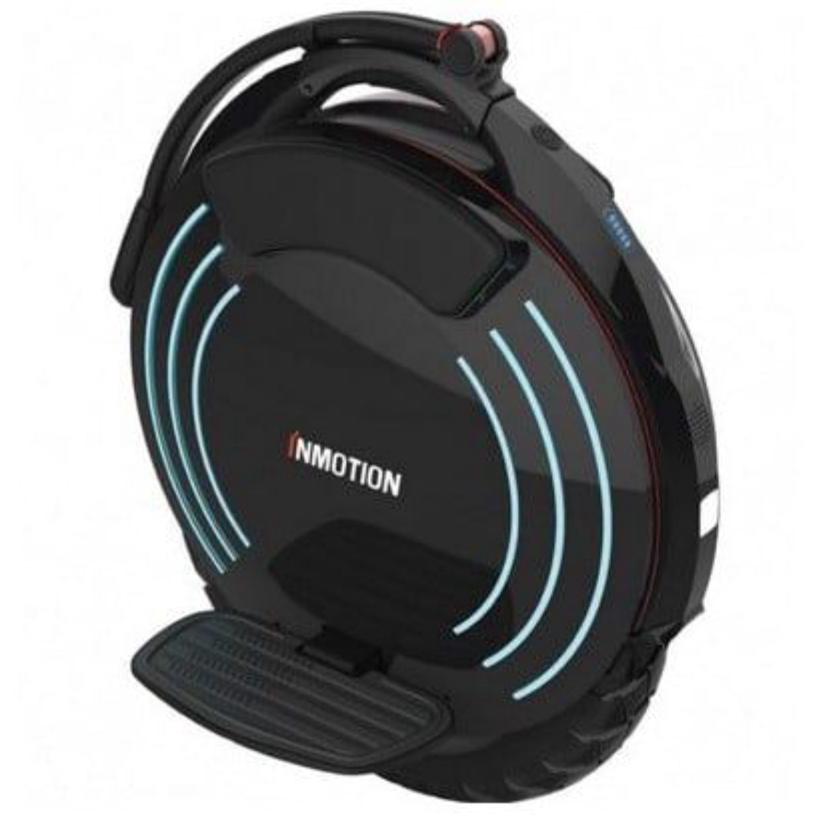
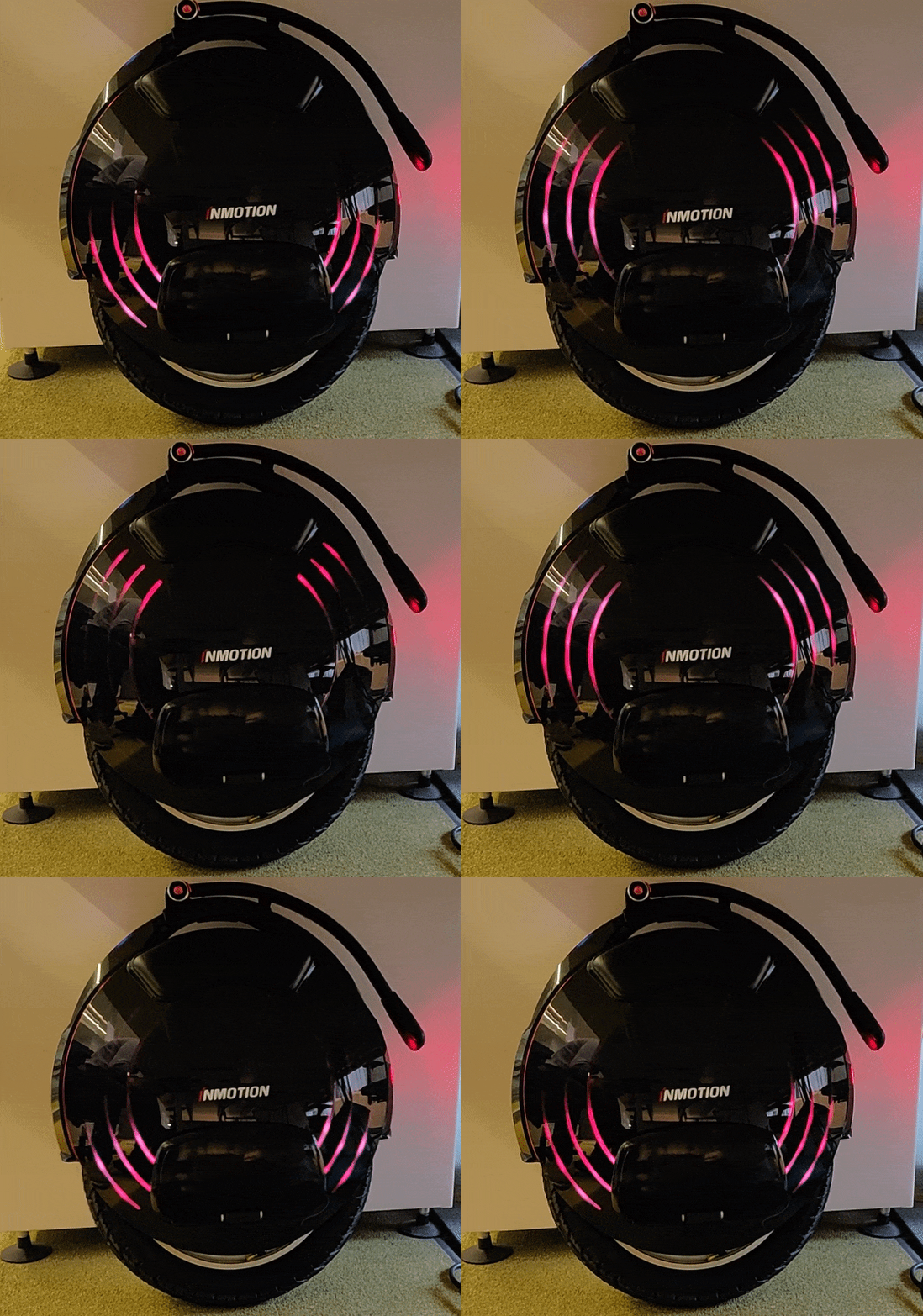
![[Vendu] Inmotion V10F](https://www.espritroue.fr/uploads/monthly_2019_05/V10F_1.jpg.8f5ce467c570cd0afccf8c0ab5f65584.jpg)