# débutant
-
- 5 commentaires
- 1350 vues
-
- 9 commentaires
- 3263 vues
-
- 24 commentaires
- 7392 vues
-
- 6 commentaires
- 2671 vues
-
- 9 commentaires
- 4072 vues
-
- 5 commentaires
- 2909 vues
-
- 15 commentaires
- 4140 vues
-
- 45 commentaires
- 10307 vues
-
- roue
- débutant
- intermédiaire
- ballade
-
Étiqueté avec :
- 34 commentaires
- 6768 vues
-
- 1 commentaire
- 1455 vues
-
- 16 commentaires
- 5433 vues



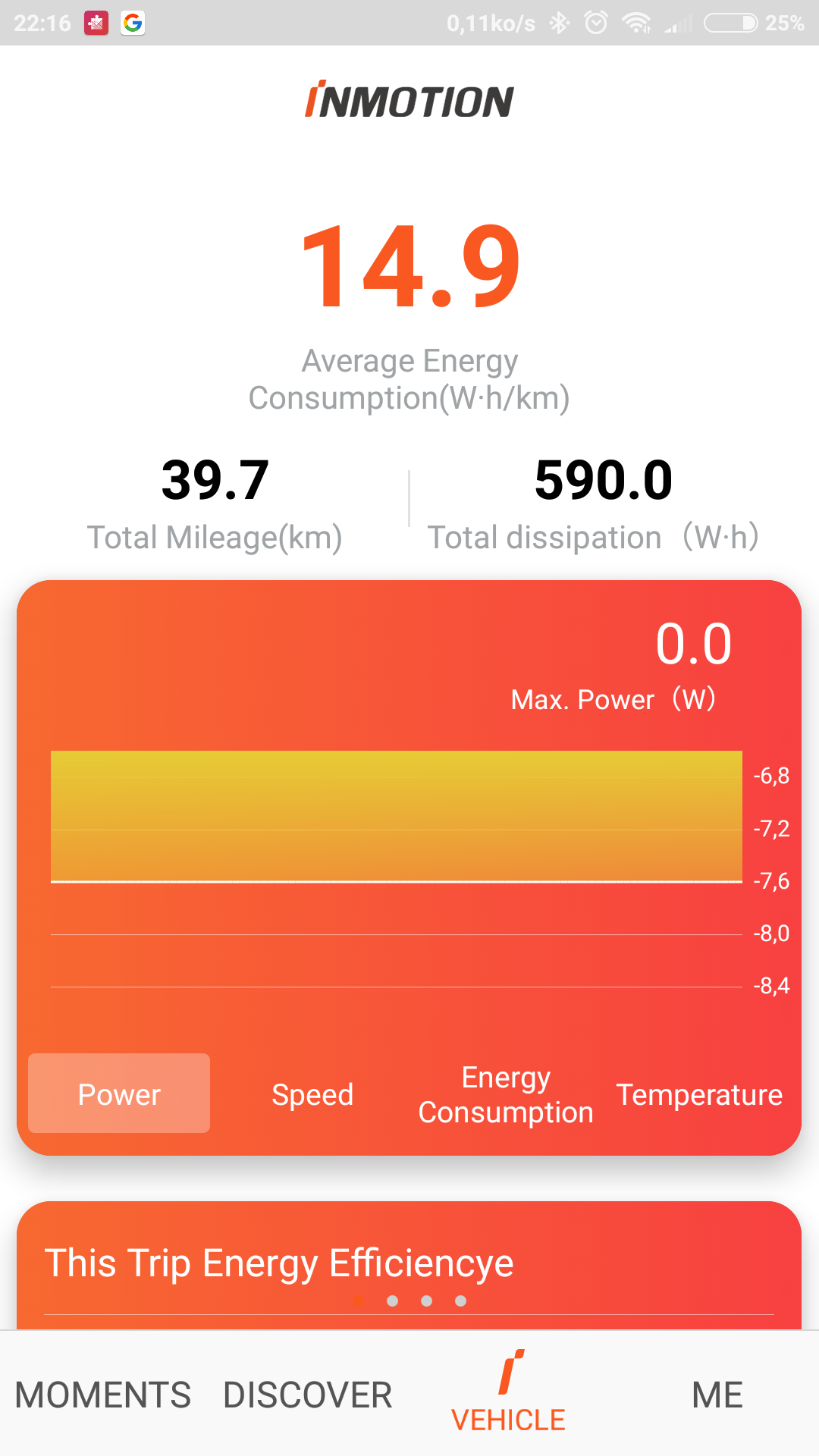








![[Vendu] Gotway MCM4 V2 HighSpeed 340 Wh](https://www.espritroue.fr/uploads/monthly_2018_08/Screenshot_20180813-201946_WheelLog.jpg.fbf6d1d923ec2f7a137150837e857fdf.jpg)

![[Vendue] AirWheel X3 Noire pour débutant.](https://www.espritroue.fr/uploads/monthly_2017_10/IMG_0086.jpg.b115029d04dc86d429d5f46522d938b8.jpg)