



# inmotion v8
-
- 18 commentaires
- 4290 vues
-
- 157 commentaires
- 42175 vues
-
- 24 commentaires
- 10249 vues
-
- 6 commentaires
- 4340 vues
-
- 4 commentaires
- 3480 vues
-
- 2 commentaires
- 3069 vues
-
- 3 commentaires
- 2842 vues
-
- 1 commentaire
- 2458 vues
-
- 3 commentaires
- 32288 vues
-
- 46 commentaires
- 12176 vues
-
- inmotion
- inmotion v8
- promotion
- promo
-
Étiqueté avec :
- 1 commentaire
- 32644 vues
-
- 14 commentaires
- 6695 vues
-
- 8 commentaires
- 2946 vues
-
- 67 commentaires
- 24020 vues
-
-
- 26 commentaires
- 9152 vues
-
- 1 commentaire
- 2005 vues
-
- 17 commentaires
- 4755 vues
-
- 3 commentaires
- 3505 vues




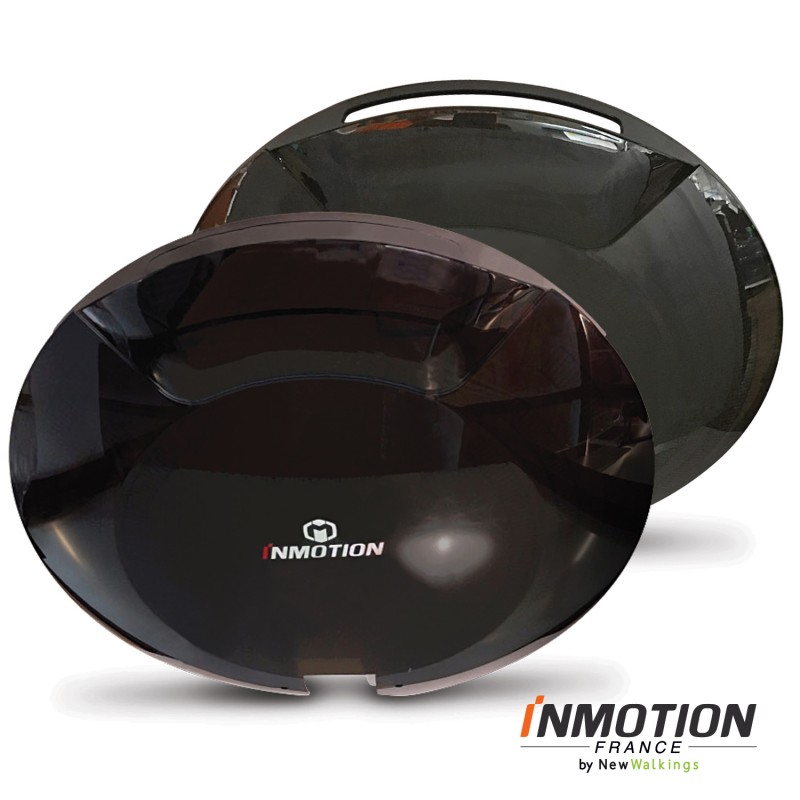

![[Vendus] V8 400€](https://www.espritroue.fr/uploads/monthly_2021_04/20210406_201345000_iOS.png.6ee919d5a4975c9e00944c54edc86306.png)

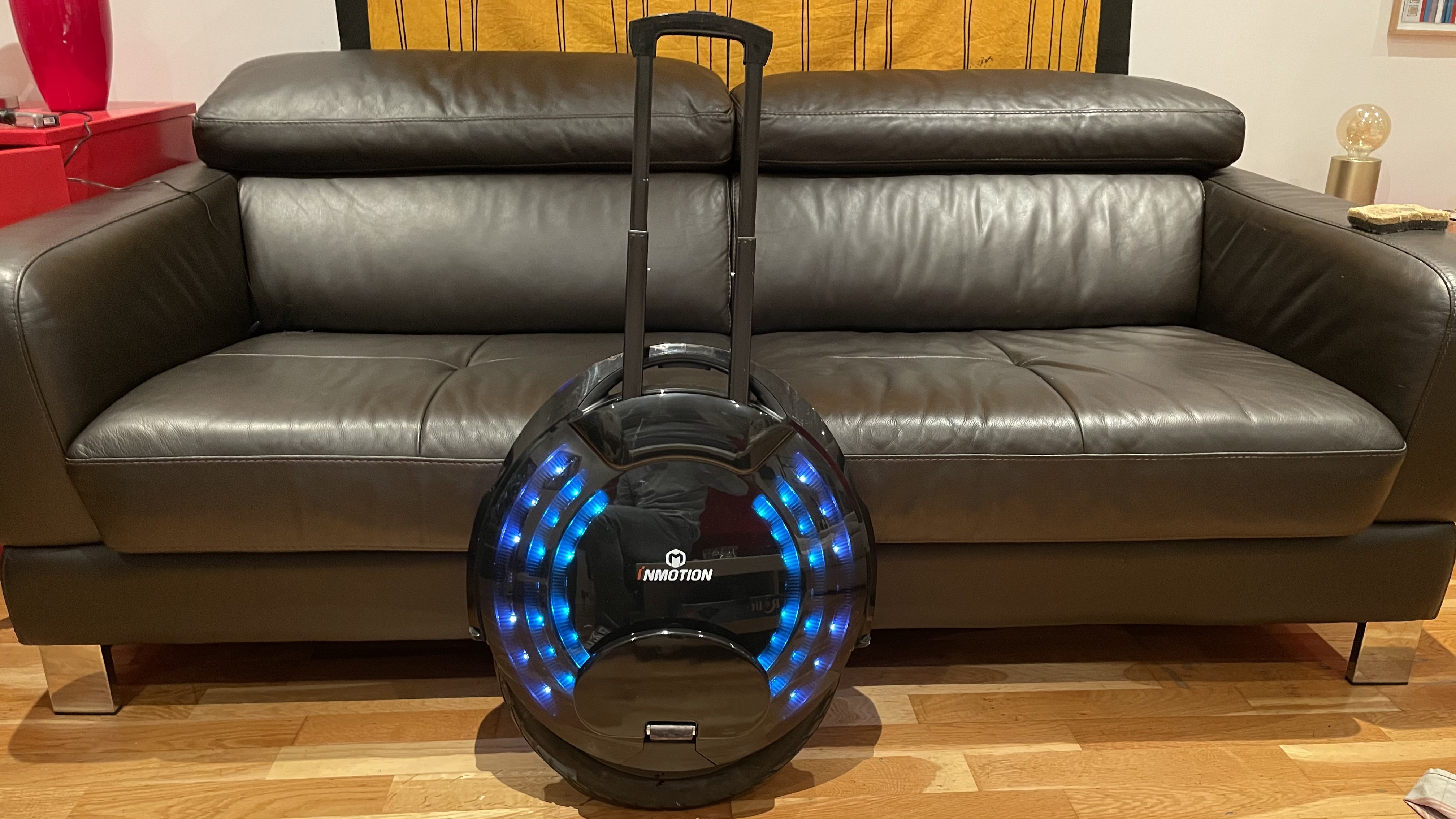

![[Vendu] Inmotion V8 300€ (à Paris 10 envoi possible)](https://www.espritroue.fr/uploads/monthly_2020_11/IMG_8579.PNG.e4c7e70f777ed3b7e1c4573e5baefcf3.PNG)
![[Vendu] A VENDRE : Inmotion v8](https://www.espritroue.fr/uploads/monthly_2019_11/1287757111_WhatsAppImage2019-11-19at15_09.53(9).jpeg.4684306de128724f388486a72c76ce12.jpeg)
![[Vendu] Vend Gyroroue Inmotion V8 en Moselle](https://www.espritroue.fr/uploads/monthly_2019_09/IMG_20190908_170718.jpg.af4a73484357b70446bc8a58efff4a91.jpg)








![[Vendu] Inmotio V8](https://www.espritroue.fr/uploads/monthly_2017_12/20171208_105959.jpg.070e05e51192004482cc56243819b868.jpg)


![[Vendu] Vends inmotion V8 500 km](https://www.espritroue.fr/uploads/monthly_2017_09/IMG_0099.JPG.f513b15fcf962bc95d37de0af733881b.JPG)
