# z10
-
- charge doctor
- chargeur
- chargeur rapide
- gotway
-
Étiqueté avec :
- 150 commentaires
- 138633 vues
-
- 50 commentaires
- 32744 vues
-
- 16 commentaires
- 4982 vues
-
- 17 commentaires
- 5791 vues
-
- 3 commentaires
- 3869 vues
-
- 6 commentaires
- 6601 vues
-
- 18 commentaires
- 8829 vues
-
- 10 commentaires
- 3610 vues
-
- 9 commentaires
- 4184 vues
-
- 6 commentaires
- 2804 vues
-
- 3 commentaires
- 2277 vues
-
- 12 commentaires
- 31300 vues
![[Partenaire Esprit Roue] Green and fashion travaling shop / Chicway.shop](https://www.espritroue.fr/uploads/monthly_2018_11/gaf.PNG.392a2d21fc62939e7c6837b5222329c2.PNG)








![[Tuto] Changement du phare sur Ninebot One Z](https://www.espritroue.fr/uploads/monthly_2019_02/COULOIR.png.2ee1c4a92e9593111fb2d64c4a5ffe2e.png)

![[Vendu] Ninebot Z10 995 km](https://www.espritroue.fr/uploads/monthly_2019_11/IMG_20191126_112515.jpg.26b216447199908eab0d514eb8a4dac5.jpg)


![[Vendu] A vendre Ninebot Z10](https://www.espritroue.fr/uploads/monthly_2019_05/IMG_20190519_091312.jpg.36abc7a7e59ceee32e47f8a5e4008bb8.jpg)

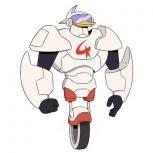

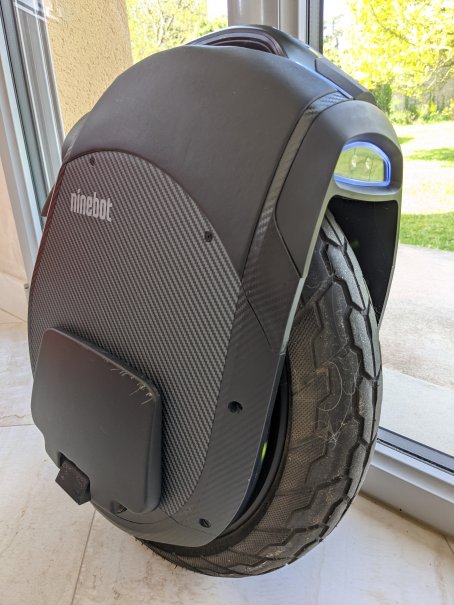
![[Gearbest] Ninebot Z10 à 1341.00€ - Entrepôt FRANCE !](https://www.espritroue.fr/uploads/monthly_2018_11/Ninebot_One_Z10.png.5d124be5a681a408685de118b25c13f1.png)